These Marksmanship Hunter PvP macros are designed for WoW WotLK 3.3.5a and focus on focus control, burst pressure, crowd control, trap setup and pet utility. They make Silencing Shot, Scatter Shot, Viper Sting, Concussive Shot and defensive tools easier to use while keeping the main target selected.
In PvP, a macro can remove a targeting delay but cannot predict an opponent's trinket, interrupt or movement. Use the exact spell names from your client, maintain a useful focus target, and test every button in a duel or battleground before relying on it in an arena match.
Set focus to mouseover
Sets a hostile mouseover as focus without changing your current target.
#showtooltip
/focus [@mouseover,harm,nodead]
Hunter’s Mark focus
Marks your hostile focus target without changing the current target.
#showtooltip Hunter's Mark
/cast [@focus,harm,nodead][] Hunter's Mark
Hunter’s Mark mouseover
Marks a hostile mouseover, then your current hostile target.
#showtooltip Hunter's Mark
/cast [@mouseover,harm,nodead][harm,nodead] Hunter's Mark
Rapid Fire burst
Uses Rapid Fire with trinkets, Speed Potion, gloves and available racial haste cooldowns.
#showtooltip Rapid Fire
/cast Rapid Fire
/use [combat] 13
/use [combat] 14
/use [combat] Potion of Speed
/use [combat] 10
/cast Berserking
/cast Blood Fury
/startattack
Chimera Shot with Silencing Shot
Uses Chimera Shot and the off-global-cooldown Silencing Shot on the current target.
#showtooltip Chimera Shot
/startattack
/cast Chimera Shot
/cast Silencing Shot
Aimed Shot with Silencing Shot
Uses Aimed Shot and adds Silencing Shot while preserving a separate focus interrupt key.
#showtooltip Aimed Shot
/startattack
/cast Aimed Shot
/cast Silencing Shot
Kill Shot
Targets the last enemy when needed and uses Kill Shot without cancelling your own defensive cooldowns.
#showtooltip Kill Shot
/targetlastenemy [noexists][dead]
/cast Kill Shot
Arcane Shot mouseover
Uses Arcane Shot on a hostile mouseover, then your current hostile target.
#showtooltip Arcane Shot
/startattack
/cast [@mouseover,harm,nodead][harm,nodead] Arcane Shot
Serpent or Viper Sting
Uses Serpent Sting normally and Viper Sting with Alt against mana users.
#showtooltip [mod:alt] Viper Sting; Serpent Sting
/cast [mod:alt,@mouseover,harm,nodead][mod:alt,harm,nodead] Viper Sting
/cast [nomod,@mouseover,harm,nodead][nomod,harm,nodead] Serpent Sting
Viper Sting focus
Applies Viper Sting to your hostile focus target without changing targets.
#showtooltip Viper Sting
/cast [@focus,harm,nodead][] Viper Sting
Scorpid Sting focus
Applies Scorpid Sting to your hostile focus target for a defensive PvP debuff.
#showtooltip Scorpid Sting
/cast [@focus,harm,nodead][] Scorpid Sting
Silencing Shot focus
Silences your hostile focus target without changing the current target.
#showtooltip Silencing Shot
/stopcasting
/cast [@focus,harm,nodead][] Silencing Shot
Silencing Shot mouseover
Silences a hostile mouseover, then your current hostile target.
#showtooltip Silencing Shot
/stopcasting
/cast [@mouseover,harm,nodead][harm,nodead] Silencing Shot
Scatter Shot focus
Stops casting, sends the pet to follow and Scatters your hostile focus target.
#showtooltip Scatter Shot
/stopcasting
/petfollow
/cast [@focus,harm,nodead][] Scatter Shot
Scatter Shot mouseover
Stops casting, sends the pet to follow and Scatters a hostile mouseover.
#showtooltip Scatter Shot
/stopcasting
/petfollow
/cast [@mouseover,harm,nodead][harm,nodead] Scatter Shot
Freezing Trap
Stops casting, recalls the pet and places Freezing Trap without starting a damaging attack.
#showtooltip Freezing Trap
/stopcasting
/petfollow
/cast !Freezing Trap
Frost Trap
Stops casting, recalls the pet and places Frost Trap for area control.
#showtooltip Frost Trap
/stopcasting
/petfollow
/cast !Frost Trap
Deterrence
Stops casting and activates Deterrence immediately.
#showtooltip Deterrence
/stopcasting
/cast Deterrence
Cancel Deterrence
Removes Deterrence when you need to resume attacking or use a trap immediately.
#showtooltip Deterrence
/cancelaura Deterrence
Disengage
Stops casting and uses Disengage for emergency repositioning.
#showtooltip Disengage
/stopcasting
/cast Disengage
Feign Death
Stops casting, sends the pet to follow and uses Feign Death.
#showtooltip Feign Death
/stopcasting
/petfollow
/cast Feign Death
Master’s Call mouseover or self
Uses Master’s Call on a friendly mouseover, falling back to yourself.
#showtooltip Master's Call
/cast [@mouseover,help,nodead][@player] Master's Call
Roar of Sacrifice mouseover or self
Uses Roar of Sacrifice on a friendly mouseover, falling back to yourself.
#showtooltip Roar of Sacrifice
/cast [@mouseover,help,nodead][@player] Roar of Sacrifice
Misdirection focus or pet
Misdirects to a friendly focus, then a friendly target, then your pet.
#showtooltip Misdirection
/cast [@focus,help,nodead][help,nodead][@pet,exists,nodead] Misdirection
Pet attack or follow
Uses Pet Attack normally and Pet Follow with Shift.
#showtooltip [mod:shift] Pet Follow; Pet Attack
/petfollow [mod:shift]
/petattack [nomod]
Cower and Dash
Uses the pet’s defensive Cower and movement Dash, then sends it to follow.
#showtooltip Cower
/cast Cower
/cast Dash
/petfollow
Concussive Shot focus
Slows your hostile focus target without changing your current target.
#showtooltip Concussive Shot
/cast [@focus,harm,nodead][] Concussive Shot
Wing Clip and Raptor Strike
Uses Wing Clip first and Raptor Strike on the following press for close-range peel.
#showtooltip Wing Clip
/startattack
/castsequence reset=1.8 Wing Clip, Raptor Strike
/cast Raptor Strike
Master’s Call party one
Uses Master’s Call on party1 without changing targets.
#showtooltip Master's Call
/cast [@party1,help,nodead] Master's Call
How to use Marksmanship Hunter PvP macros
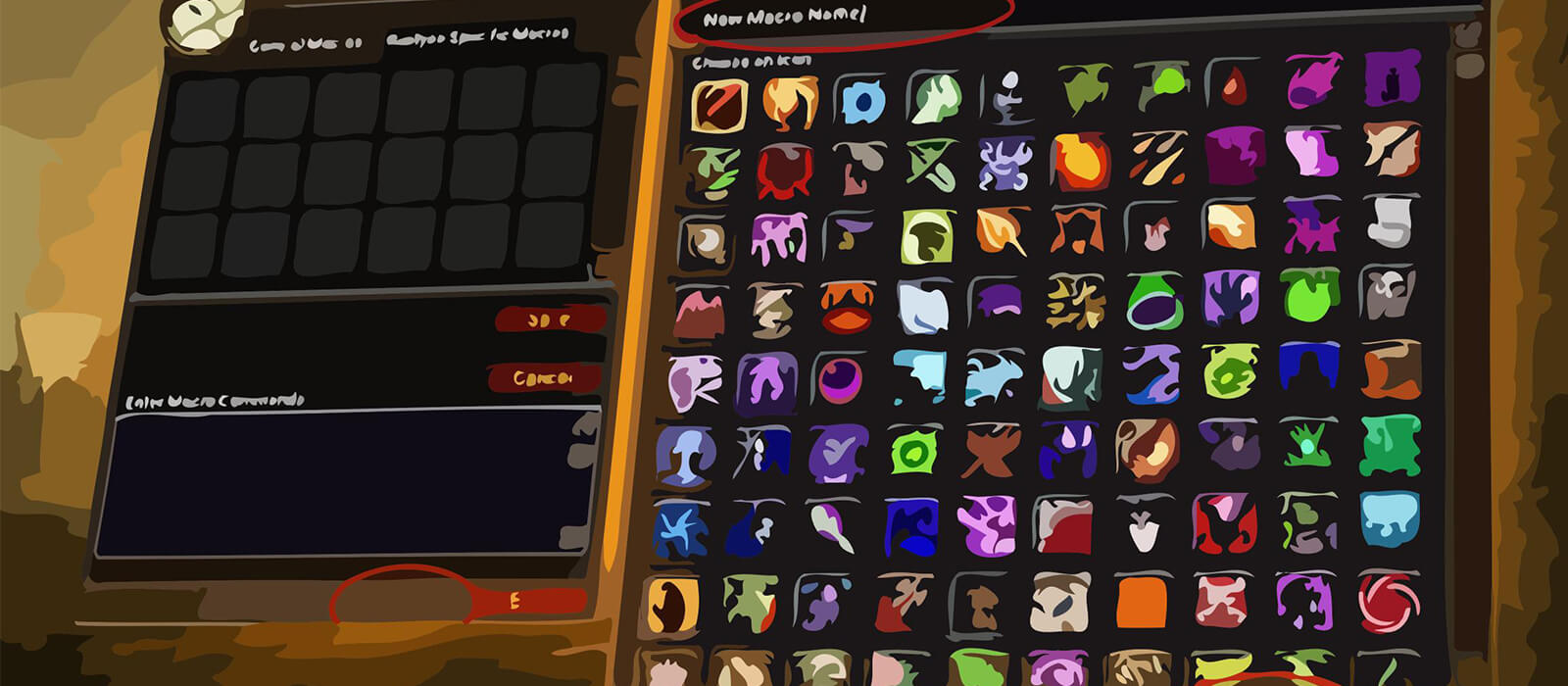
Open the in-game Macros window, create a macro and paste the code exactly as shown. Place it on an action bar and bind it to a reachable key. Start by setting a focus with the mouseover macro, then use focus interrupts, Scatter Shot, Viper Sting and Concussive Shot while keeping your current target available for damage.
Freezing Trap and Frost Trap stop casting and send the pet to follow so the pet does not break the setup. Deterrence and its cancel button should be bound separately, and Master’s Call or Roar of Sacrifice should be placed where they can be reached during a crowd-control chain.
Marksmanship Hunter PvP macro tips
Rapid Fire, Chimera Shot, Aimed Shot and Kill Shot provide burst pressure, while Silencing Shot can be paired with damage or reserved for a focus target. The focus and mouseover sting macros are useful against healers and mana users, but keep track of dispels and the shared global cooldown.
Scatter Shot, Freezing Trap, Frost Trap and Wing Clip create the space needed to reset a fight or land aimed damage. Pet Follow is important before crowd control, while Pet Attack, Cower and Dash keep the pet responsive when the opponent changes position.
Deterrence, Disengage, Feign Death, Master’s Call and Roar of Sacrifice are defensive and positioning tools rather than rotation buttons. Their value comes from timing them around enemy cooldowns, roots, silences and incoming burst.
Compatibility and troubleshooting
These macros target the WoW WotLK 3.3.5a macro system. Private-server clients can differ in focus behavior, pet commands and protected actions. If a macro fails, check the focus unit, target range, pet state and modifier, then test the underlying spell alone and reload the UI after editing.
Macros cannot automate arena decisions, trap timing, target swaps or defensive cooldown management. Their purpose is to reduce interface friction so the Marksmanship Hunter can react faster while retaining control over positioning, crowd control and burst.