These Balance Druid PvE macros are designed for WoW WotLK 3.3.5a and focus on practical damage, raid utility, mouseover targeting and equipment control. They help you react quickly with Rebirth, Innervate, Remove Curse, crowd control and emergency defensive tools while keeping Eclipse timing, DoT management and cooldown decisions in the player's hands.
Use the exact spell, item and equipment-set names from your game client. Mouseover macros require a valid unit under the cursor, while equipment and scripted macros may need a second press or behave differently on custom servers. Test each macro on a target dummy or friendly unit before using it in a raid.
Dash
Shifts into Cat Form and activates Dash.
#showtooltip Dash
/cast Cat Form
/cast Dash
Pre-pot
Uses Potion of Wild Magic and Flame Cap.
#showtooltip Potion of Wild Magic
/use Potion of Wild Magic
/use Flame Cap
Pre-pull equipment set
Equips the saved equipment set named prepull before the pull.
/equipset prepull
PvE equipment set
Uses Global Thermal Sapper Charge, Scorpid Surprise, slot 10 and equips the saved owl set.
#showtooltip
/use Global Thermal Sapper Charge
/use Scorpid Surprise
/use 10
/equipset owl
Emergency Bear Form
Shifts into Dire Bear Form and activates Barkskin for an emergency defensive cooldown.
#showtooltip Dire Bear Form
/cast Dire Bear Form
/cast Barkskin
Cancel Starfall
Cancels Starfall when you need to stop its damage or avoid breaking crowd control.
#showtooltip Starfall
/cancelaura Starfall
Swipe and Maul
Starts attacking, casts Swipe in Bear Form and queues Maul.
#showtooltip Swipe (Bear)
/startattack
/cast Swipe (Bear)
/cast !Maul
Swiftmend mouseover
Casts Swiftmend on a friendly mouseover target.
#showtooltip Swiftmend
/use [@mouseover,help] Swiftmend
Wrath target and focus
Casts Wrath on the current target and provides a focus-target version on the same button.
#showtooltip Wrath
/cast Wrath
/cast [@focus] Wrath
Wrath and gloves
Casts Wrath and uses Furious Gladiator's Kodohide Gloves.
#showtooltip Wrath
/cast Wrath
/use Furious Gladiator's Kodohide Gloves
Entangling Roots focus
Casts Entangling Roots on your focus target without changing your current target.
#showtooltip Entangling Roots
/cast [@focus] Entangling Roots
Lifebloom mouseover
Casts Lifebloom on a friendly mouseover target.
#showtooltip Lifebloom
/use [@mouseover,help] Lifebloom
Innervate mouseover
Casts Innervate on a friendly mouseover target, or on your current target when no mouseover is available.
#showtooltip Innervate
/cast [nomod,@mouseover,help,nodead][nomod] Innervate
Rejuvenation mouseover
Casts Rejuvenation on a friendly mouseover target.
#showtooltip Rejuvenation
/use [@mouseover,help] Rejuvenation
Nature's Swiftness and Healing Touch
Uses Nature's Swiftness and casts Healing Touch on your mouseover target.
#showtooltip Nature's Swiftness
/use Nature's Swiftness
/use [@mouseover] Healing Touch
Remove Curse mouseover
Removes a curse from a friendly mouseover target.
#showtooltip Remove Curse
/use [@mouseover,help] Remove Curse
Cyclone mouseover
Casts Cyclone on a mouseover target without changing your current target.
#showtooltip Cyclone
/cast [@mouseover] Cyclone
Abolish Poison mouseover
Casts Abolish Poison on a friendly mouseover target.
#showtooltip Abolish Poison
/use [@mouseover,help] Abolish Poison
How to use Balance Druid macros
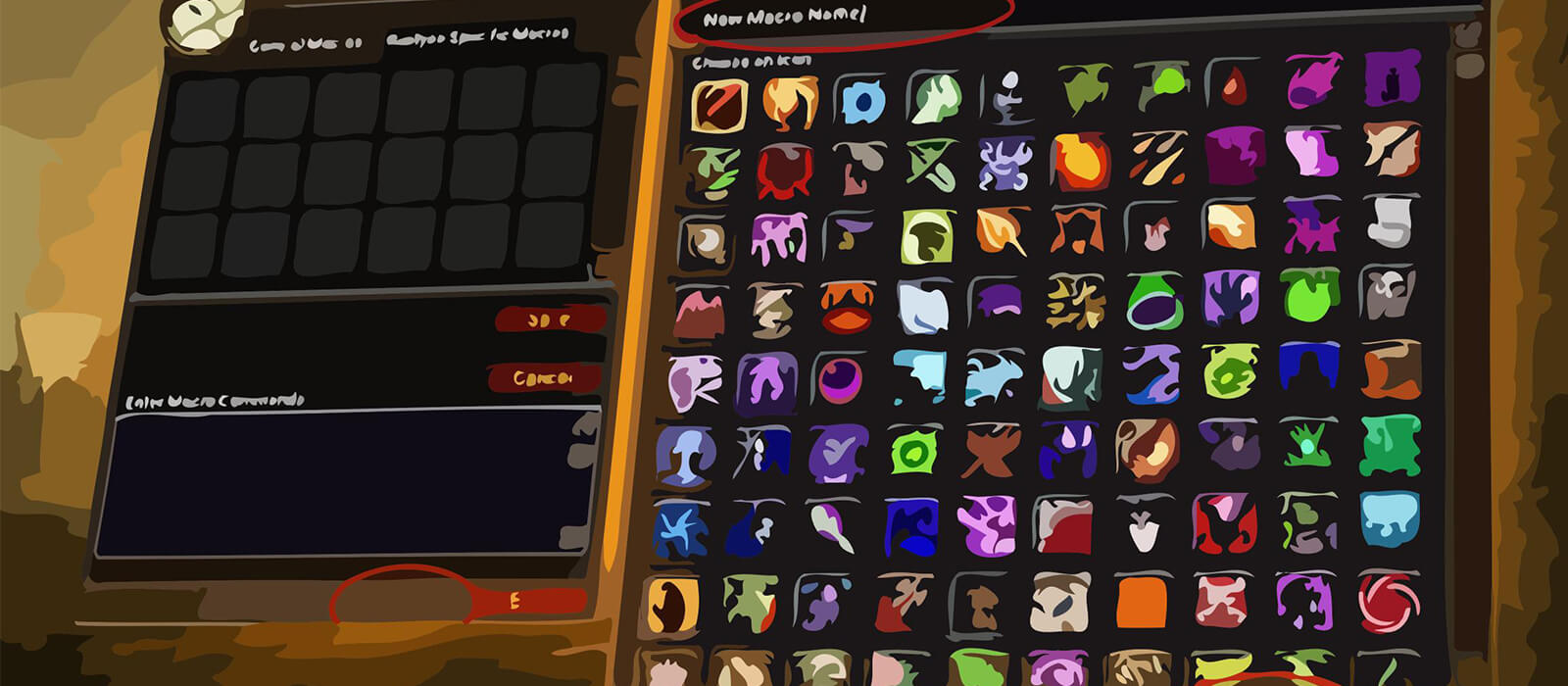
Open the in-game Macros window, create a macro and paste the code exactly as shown. Place it on an action bar and bind it to a key that is easy to reach. The #showtooltip line displays the relevant ability icon and cooldown. For mouseover spells, hover the intended raid frame or enemy before pressing the key.
Balance Druids frequently switch between a boss, a secondary target and a friendly raid member. Mouseover Rebirth, Innervate, dispel and DoT macros reduce unnecessary target changes without making the decision for you. Focus and mouseover conditions should always be tested with the unit frames used by your raid UI.
Balance Druid PvE macro tips
Keep Starfall, Eclipse timing, DoT maintenance and cooldown usage manual. A stopcasting macro can start Starfall immediately, but it should be used only when interrupting the current cast is worth it. Mouseover DoT macros are useful for multi-target encounters, but they do not replace selecting the correct target or following the encounter priority.
Rebirth and Innervate macros are utility tools, not buttons to spam. Confirm the intended player before pressing them, especially during movement or heavy raid damage. If an equipment-set or consumable macro does not fire on the first press, check that the item is available and press again after the global cooldown or equipment swap completes.
Compatibility and troubleshooting
These macros target the WoW WotLK 3.3.5a macro system. Spell and item names must match your client language, and private-server UI differences can affect protected actions, equipment sets and mouseover conditions. If a macro fails, test the spell by itself, confirm the target condition, check your current form and reload the UI after changing the macro.
Macros cannot automate the Balance Druid rotation, bypass the global cooldown or make protected combat decisions. Their purpose is to reduce targeting friction and make raid utility more consistent while leaving timing and encounter awareness with the player.