WARNING
Make a backup of your game before installing this patch.
You will be putting your account access data in plain text. This is potentially dangerous (2FA helps), so think it through first.
Sometimes typing your account login and password gets extremely annoying, and you just want to pick an account from a list and log in.
What you need to do
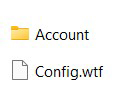
Just copy everything from the autologin folder into the root of your game folder.
- Download archive
- Extract the contents of the “autologin” folder into the root of your game folder.
- Open loginui.lua in Notepad and enter your accounts.
Edit the login file (loginui.lua)
Open loginui.lua in Notepad and edit the data lines:
- Replace the values in the Login and Password lines with your own account details, instead of Login1 and 12345, etc., for all accounts you want to add.
- Extra accounts can be left empty or deleted.
["Host"] = "logon.yourserver", ["Portal"] = "en",
["Description"] = "server description", ["HomePage"] = "homepage_address",
["ManageAccount"] = "login_adresss",
["AccountList"] = {
-- server account { ["Login"] = "Login1", ["Password"] = "12345", },
-- server account { ["Login"] = "Login2", ["Password"] = "12345", },
-- server account { ["Login"] = "Login3", ["Password"] = "12345", },
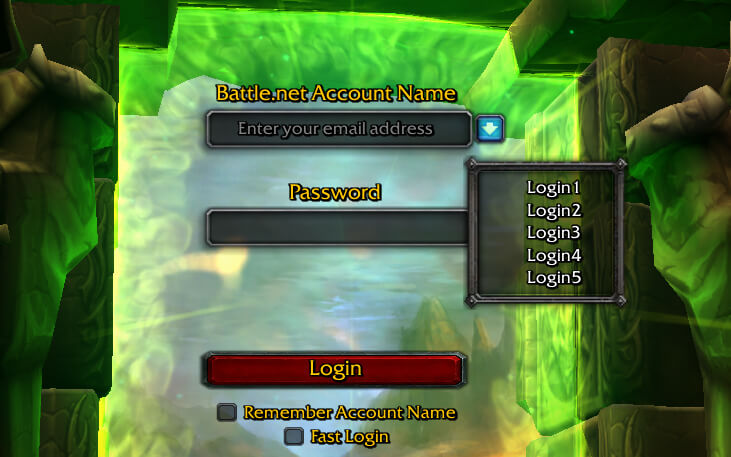
After that, when you launch WoW, you should see a dropdown menu with your saved logins next to the nickname/account name input field.