These Feral Bear tank PvE macros are designed for WoW WotLK 3.3.5a and focus on threat generation, Maul queuing, target control and defensive cooldowns. They keep Lacerate, Swipe and Mangle accessible while making Growl, Feral Charge, Bash and emergency survival tools faster to use.
Bear macros can reduce target switching and help coordinate the druid with the group, but they do not replace rage management or encounter awareness. Use the exact spell names from your client, confirm the correct form and target, and test each macro on a target dummy or in a safe dungeon before using it as a tank.
Lacerate and Maul
Starts attacking, casts Lacerate and queues Maul for the next white swing.
#showtooltip Lacerate
/startattack
/cast Lacerate
/cast !Maul
Swipe and Maul
Starts attacking, casts Swipe in Bear Form and queues Maul.
#showtooltip Swipe (Bear)
/startattack
/cast Swipe (Bear)
/cast !Maul
Mangle and Maul
Starts attacking, casts Mangle (Bear) and queues Maul.
#showtooltip Mangle (Bear)
/startattack
/cast Mangle (Bear)
/cast !Maul
Faerie Fire (Feral) mouseover
Starts attacking and casts Faerie Fire (Feral) on a hostile mouseover target, falling back to your current target.
#showtooltip Faerie Fire (Feral)
/startattack
/cast [@mouseover,harm,nodead][harm,nodead] Faerie Fire (Feral)
Demoralizing Roar
Casts Demoralizing Roar to reduce the attack power of nearby enemies.
#showtooltip Demoralizing Roar
/cast Demoralizing Roar
Growl mouseover
Uses Growl on a hostile mouseover target, falling back to your current target.
#showtooltip Growl
/cast [@mouseover,harm,nodead][harm,nodead] Growl
Growl focus
Uses Growl on your focus target without changing your current target.
#showtooltip Growl
/cast [@focus,harm,nodead][] Growl
Feral Charge focus
Uses Feral Charge (Bear) on your focus target without changing your current target.
#showtooltip Feral Charge (Bear)
/cast [@focus,harm,nodead][] Feral Charge (Bear)
Bash focus
Uses Bash on your focus target without changing your current target.
#showtooltip Bash
/cast [@focus,harm,nodead][] Bash
Challenging Roar
Uses the area taunt on nearby enemies. Keep it separate from Growl because it has a different purpose and cooldown.
#showtooltip Challenging Roar
/cast Challenging Roar
Enrage with Barkskin
Uses Barkskin and Enrage together. Barkskin offsets the armor reduction from Enrage while you generate rage.
#showtooltip Enrage
/cast Barkskin
/cast Enrage
Frenzied Regeneration with Barkskin
Uses Barkskin and Frenzied Regeneration together for an emergency defensive window.
#showtooltip Frenzied Regeneration
/cast Barkskin
/cast Frenzied Regeneration
Berserk tank cooldowns
Uses Barkskin, Enrage and Berserk together for a threat cooldown. Keep a separate Berserk key if the timing must remain independent.
#showtooltip Berserk
/cast Barkskin
/cast Enrage
/cast Berserk
Survival Instincts or Barkskin
Uses Survival Instincts normally and Barkskin with Shift, keeping two defensive cooldowns on one modifier button.
#showtooltip [mod:shift] Barkskin; Survival Instincts
/cast [mod:shift] Barkskin; Survival Instincts
Dire Bear Form emergency
Shifts into Dire Bear Form and activates Barkskin.
#showtooltip Dire Bear Form
/cast Dire Bear Form
/cast Barkskin
Rebirth mouseover
Casts Rebirth on a dead friendly mouseover target, falling back to your current dead friendly target.
#showtooltip Rebirth
/cast [@mouseover,help,dead][help,dead] Rebirth
Innervate mouseover
Casts Innervate on a friendly mouseover target, falling back to your current friendly target.
#showtooltip Innervate
/cast [@mouseover,help,nodead][help,nodead] Innervate
Remove Curse mouseover
Removes a curse from a friendly mouseover target without changing your current target.
#showtooltip Remove Curse
/cast [@mouseover,help,nodead][help,nodead] Remove Curse
Abolish Poison mouseover
Casts Abolish Poison on a friendly mouseover target without changing your current target.
#showtooltip Abolish Poison
/cast [@mouseover,help,nodead][help,nodead] Abolish Poison
Hibernate focus
Casts Hibernate on your focus target without changing your current target.
#showtooltip Hibernate
/cast [@focus,harm,nodead][] Hibernate
How to use Feral Bear tank macros
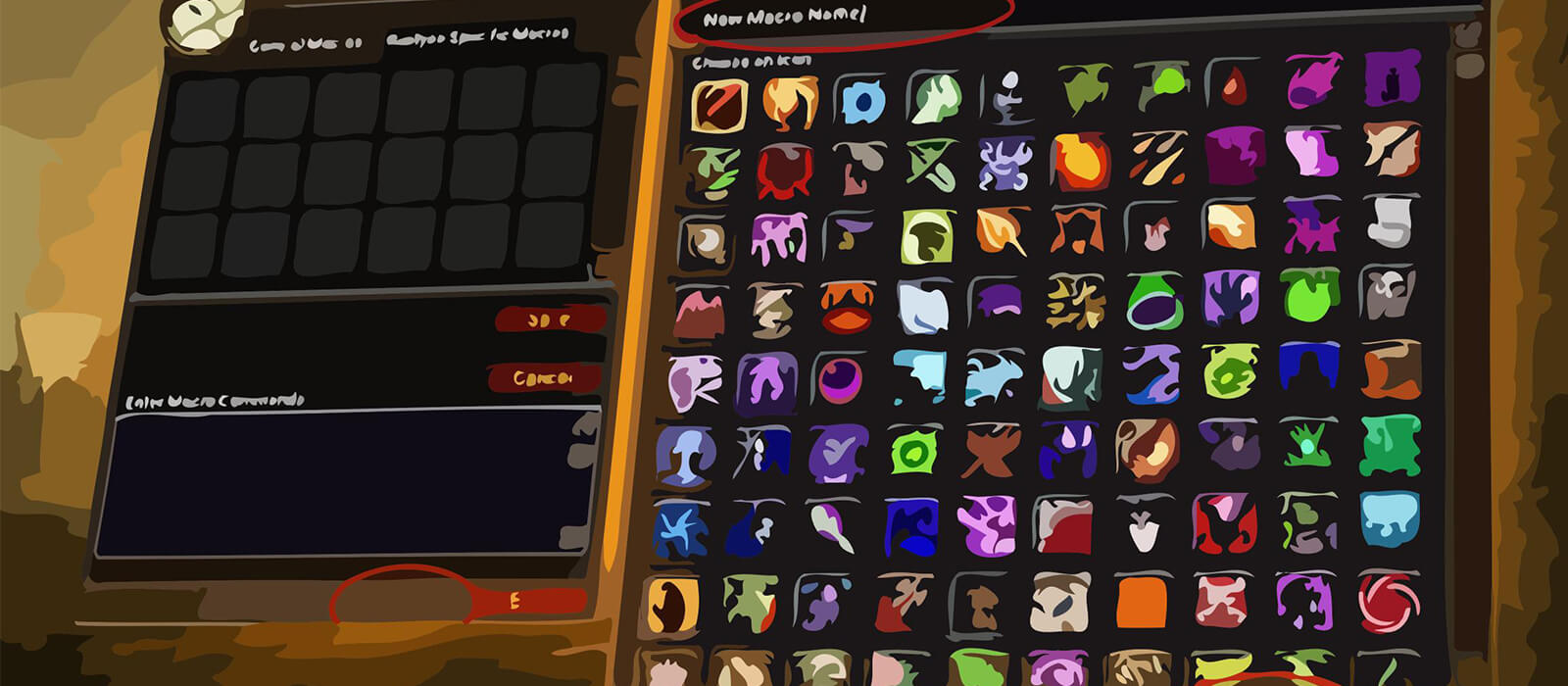
Open the in-game Macros window, create a macro and paste the code exactly as shown. Place it on an action bar and bind it to a reachable key. The Lacerate, Swipe and Mangle buttons queue Maul while using the main ability, so watch your rage before spamming them on low-resource pulls.
Mouseover and focus macros are useful for picking up loose enemies, charging a priority target or interrupting a secondary mob without dropping the current target. Keep Growl and Challenging Roar separate: one is a single-target taunt and the other is an area emergency tool.
Feral Bear PvE macro tips
Lacerate, Mangle, Swipe and Maul form the core of Bear threat control. The combined buttons reduce keybind pressure, but Maul is a rage dump and should be managed around incoming damage, rage income and the needs of the pull rather than pressed blindly.
Barkskin, Enrage, Frenzied Regeneration, Berserk and Survival Instincts have different defensive and threat purposes. The combined cooldown buttons are convenient for planned windows, while separate keys are safer when a cooldown must be held for a specific mechanic or when the armor reduction from Enrage would be dangerous.
Rebirth, Innervate, Remove Curse, Abolish Poison and Hibernate give the bear valuable raid utility. Keep Rebirth and defensive cooldowns easy to reach, and use mouseover utility to help the group without abandoning the current enemy target.
Compatibility and troubleshooting
These macros target the WoW WotLK 3.3.5a macro system. Private-server clients can differ in protected actions, form checks and focus behavior. If a macro fails, test the spell alone, verify Bear Form, target range and rage, then reload the UI after editing.
Macros cannot decide when to taunt, which cooldown to reserve or how to manage rage during a dangerous pull. Their purpose is to reduce interface friction so the Feral Bear can maintain threat and react to mechanics while the player controls timing and positioning.