These Feral Cat Druid PvE macros are designed for WoW WotLK 3.3.5a and focus on stealth openers, target switching, bleed maintenance, finisher access, movement and emergency utility. They help keep Prowl, Rake, Rebirth, Innervate and defensive buttons within easy reach while leaving energy, combo-point and positional decisions to the player.
Use the exact spell, form and item names from your client. Cat Form, stealth and equipment actions may require a second press on some 3.3.5a clients, while mouseover and focus macros depend on a valid unit frame or focus target. Test every macro on a target dummy before using it in a raid.
Dash from Cat Form
Shifts into Cat Form when needed and activates Dash without requiring a second button press.
#showtooltip Dash
/cast Cat Form
/cast Dash
Prowl safely
Stops attacking before entering Stealth so an auto-attack does not immediately break Prowl.
#showtooltip Prowl
/stopattack
/cast [nostealth] Prowl
Pounce or Prowl
Uses Pounce from stealth and enters Prowl when you are not stealthed.
#showtooltip [stealth] Pounce; Prowl
/stopattack
/cast [stealth] Pounce; [nostealth] Prowl
Rake mouseover
Starts attacking and applies Rake to a hostile mouseover target, falling back to your current target.
#showtooltip Rake
/startattack
/cast [@mouseover,harm,nodead][harm,nodead] Rake
Mangle (Cat) mouseover
Uses Mangle (Cat) on a hostile mouseover target without changing your current target.
#showtooltip Mangle (Cat)
/startattack
/cast [@mouseover,harm,nodead][harm,nodead] Mangle (Cat)
Faerie Fire (Feral) mouseover
Applies the armor-reduction debuff to a hostile mouseover target, falling back to your current target.
#showtooltip Faerie Fire (Feral)
/cast [@mouseover,harm,nodead][harm,nodead] Faerie Fire (Feral)
Finisher modifier
Uses Savage Roar normally, Rip with Shift and Ferocious Bite with Alt. The energy and combo-point decision stays with the player.
#showtooltip [mod:shift] Rip; [mod:alt] Ferocious Bite; Savage Roar
/cast [mod:shift] Rip; [mod:alt] Ferocious Bite; Savage Roar
Berserk burst
Uses equipped trinkets and Berserk together. Keep a separate Berserk button if encounter timing or trinket timing must be independent.
#showtooltip Berserk
/use 13
/use 14
/cast Berserk
Pre-pot
Uses Potion of Wild Magic and Flame Cap before the pull. Use only when both consumables are intended.
#showtooltip Potion of Wild Magic
/use Potion of Wild Magic
/use Flame Cap
PvE engineering set
Uses Global Thermal Sapper Charge, Scorpid Surprise and the glove slot, then equips the saved pve set.
#showtooltip
/use Global Thermal Sapper Charge
/use Scorpid Surprise
/use 10
/equipset pve
Emergency Bear Form
Shifts into Dire Bear Form and activates Barkskin for an emergency defensive cooldown.
#showtooltip Dire Bear Form
/cast Dire Bear Form
/cast Barkskin
Survival Instincts with Barkskin
Uses Survival Instincts normally and Barkskin with Shift, keeping defensive cooldowns available without forcing both together.
#showtooltip [mod:shift] Barkskin; Survival Instincts
/cast [mod:shift] Barkskin; Survival Instincts
Bash focus
Uses Bash on your focus target without changing your current target. Bear Form is required.
#showtooltip Bash
/cast [@focus,harm,nodead][] Bash
Cyclone mouseover
Casts Cyclone on a hostile mouseover target without changing your current target.
#showtooltip Cyclone
/cast [@mouseover,harm,nodead][] Cyclone
Entangling Roots focus
Casts Entangling Roots on your focus target without changing your current target.
#showtooltip Entangling Roots
/cast [@focus,harm,nodead][] Entangling Roots
Rebirth mouseover
Casts Rebirth on a dead friendly mouseover target, falling back to your current dead friendly target.
#showtooltip Rebirth
/cast [@mouseover,help,dead][help,dead] Rebirth
Innervate mouseover or focus
Casts Innervate on a friendly mouseover target first, then your focus, then your current friendly target.
#showtooltip Innervate
/cast [nomod,@mouseover,help,nodead][nomod,@focus,help,nodead][nomod,help,nodead] Innervate
Nature's Swiftness and Healing Touch
Uses Nature's Swiftness and casts Healing Touch on a friendly mouseover target.
#showtooltip Nature's Swiftness
/use Nature's Swiftness
/use [@mouseover,help,nodead][help,nodead] Healing Touch
Remove Curse mouseover
Removes a curse from a friendly mouseover target without changing your current target.
#showtooltip Remove Curse
/use [@mouseover,help,nodead][help,nodead] Remove Curse
Abolish Poison mouseover
Casts Abolish Poison on a friendly mouseover target without changing your current target.
#showtooltip Abolish Poison
/use [@mouseover,help,nodead][help,nodead] Abolish Poison
How to use Feral Cat Druid macros
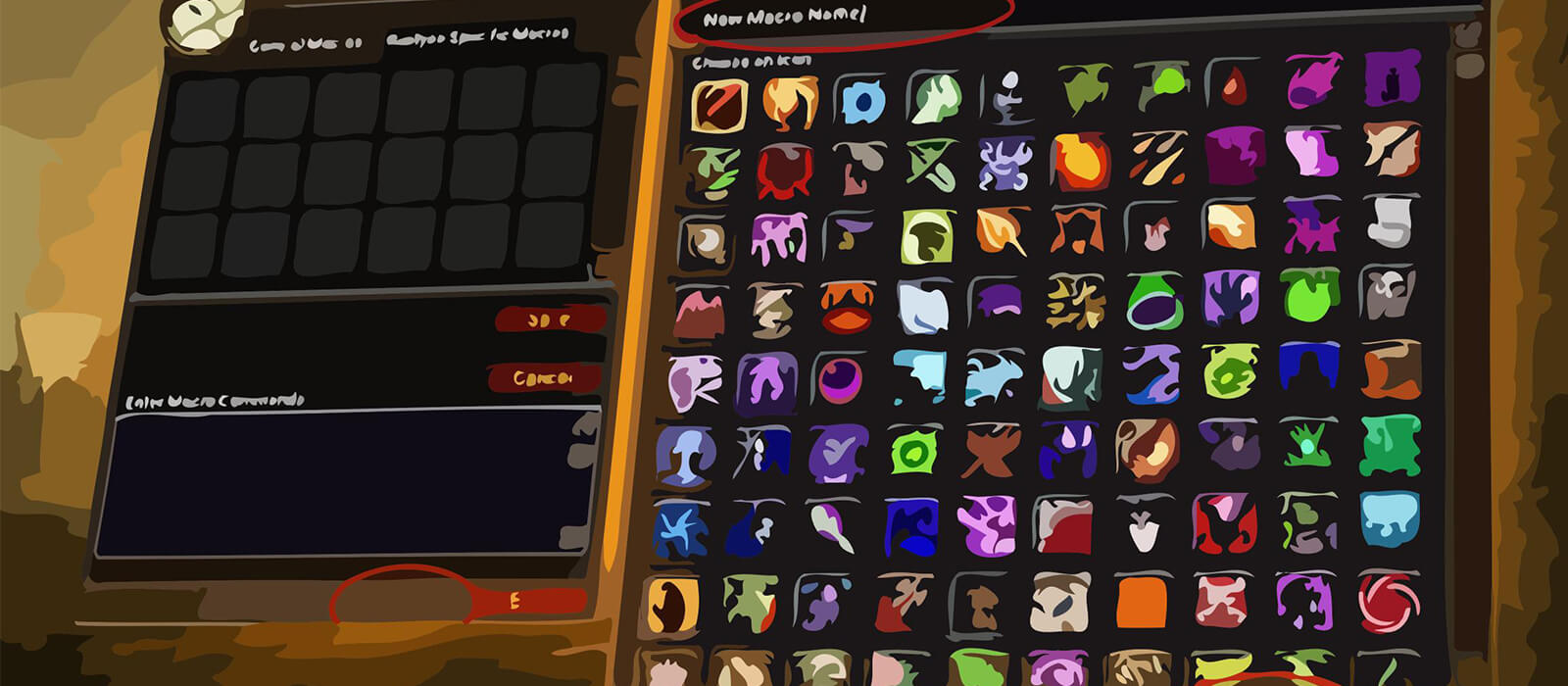
Open the in-game Macros window, create a macro and paste the code exactly as shown. Place it on an action bar and bind it to a key that is easy to reach. The #showtooltip line displays the relevant ability icon and cooldown. For mouseover macros, hover the intended enemy or friendly raid frame before pressing the button.
Stealth macros should stop attacking before Prowl so an auto-attack does not immediately break stealth. Focus and mouseover utility macros let you use Cyclone, Rebirth or Innervate without losing the boss target, which is especially useful during movement and add phases.
Feral Cat PvE macro tips
Rake, Rip, Savage Roar, Ferocious Bite and Shred depend on energy, combo points, positioning and encounter timing. A finisher modifier macro can save action-bar space, but it cannot decide whether your current combo points or energy make Rip, Savage Roar or Ferocious Bite the correct choice.
Berserk and trinket macros should be used around a planned damage window. Keep Tiger's Fury, Berserk and major item effects separate when the encounter requires independent timing. Do not combine every cooldown simply to reduce the number of buttons.
Feral utility remains valuable in PvE: Rebirth, Innervate, Remove Curse, Abolish Poison, Cyclone and emergency Bear Form can save a pull. Bind those macros where they are reachable during movement, and verify the target before using a combat resurrection or major defensive cooldown.
Compatibility and troubleshooting
These macros target the WoW WotLK 3.3.5a macro system. Spell names, forms and item names must match the language and database of your client, while private-server differences can affect protected actions, stealth and form changes. If a macro fails, test the spell alone, confirm your current form, check the focus or mouseover target and reload the UI after editing.
Macros cannot automate the Feral Cat priority, energy pooling, combo-point usage or positional requirements. Their purpose is to reduce targeting friction and make stealth, finishers, movement and raid utility more consistent while leaving encounter awareness with the player.