These Restoration Druid PvE macros are designed for WoW WotLK 3.3.5a and focus on mouseover healing, HoT maintenance, emergency recovery, dispels and raid utility. They help a healer react quickly with Rejuvenation, Lifebloom, Swiftmend, Innervate and Rebirth without losing the current target or wasting time on extra frame clicks.
Use the exact spell names from your client and test each macro with the same raid frames you use in combat. Mouseover conditions require a valid friendly unit, while Nature's Swiftness, emergency form swaps and combat resurrection macros should be tested before a progression pull.
Rebirth mouseover
Casts Rebirth on your dead mouseover friendly target. If no valid mouseover exists, it casts on your current dead friendly target.
#showtooltip Rebirth
/cast [@mouseover,help,dead][help,dead] Rebirth
Innervate mouseover / focus / target
Casts Innervate on your mouseover friendly target first, then your focus, then your current friendly target.
#showtooltip Innervate
/cast [@mouseover,help,nodead][@focus,help,nodead][help,nodead] Innervate
Abolish Poison mouseover
Casts Abolish Poison on your mouseover friendly target without changing your current target.
/use [@mouseover, help] Abolish Poison
Remove Curse mouseover
Casts Remove Curse on your mouseover friendly target without changing your current target.
/use [@mouseover, help] Remove Curse
Nature's Swiftness + Healing Touch mouseover
Activates Nature's Swiftness and casts an instant Healing Touch on your mouseover target.
#showtooltip Nature's Swiftness
/use Nature's Swiftness
/use [target=mouseover]Healing Touch
Rejuvenation
Casts Rejuvenation on your mouseover friendly target without changing your current target.
#showtooltip Rejuvenation
/use [@mouseover, help] Rejuvenation
Lifebloom mouseover
Casts Lifebloom on your mouseover friendly target without changing your current target.
#showtooltip Lifebloom
/use [@mouseover, help] Lifebloom
Swiftmend mouseover
Casts Swiftmend on your mouseover friendly target without changing your current target.
#showtooltip Swiftmend
/use [@mouseover, help]Swiftmend
Dash and cat form
Switches to Cat Form and casts Dash for quick movement.
#showtooltip Dash
/cast Cat Form
/cast Dash
Innervate mouseover
Casts Innervate on your mouseover friendly target. If no valid mouseover exists, it casts Innervate normally.
#showtooltip
/cast [nomod,@mouseover,help,nodead][nomod] Innervate
Cyclone mouseover
Casts Cyclone on your mouseover target without changing your current target.
#showtooltip
/cast [@mouseover] Cyclone
Save yourself
Switches to Dire Bear Form and casts Barkskin to help you survive heavy incoming damage.
#showtooltip Dire Bear Form
/cast Dire Bear Form
/cast Barkskin
How to use Restoration Druid macros
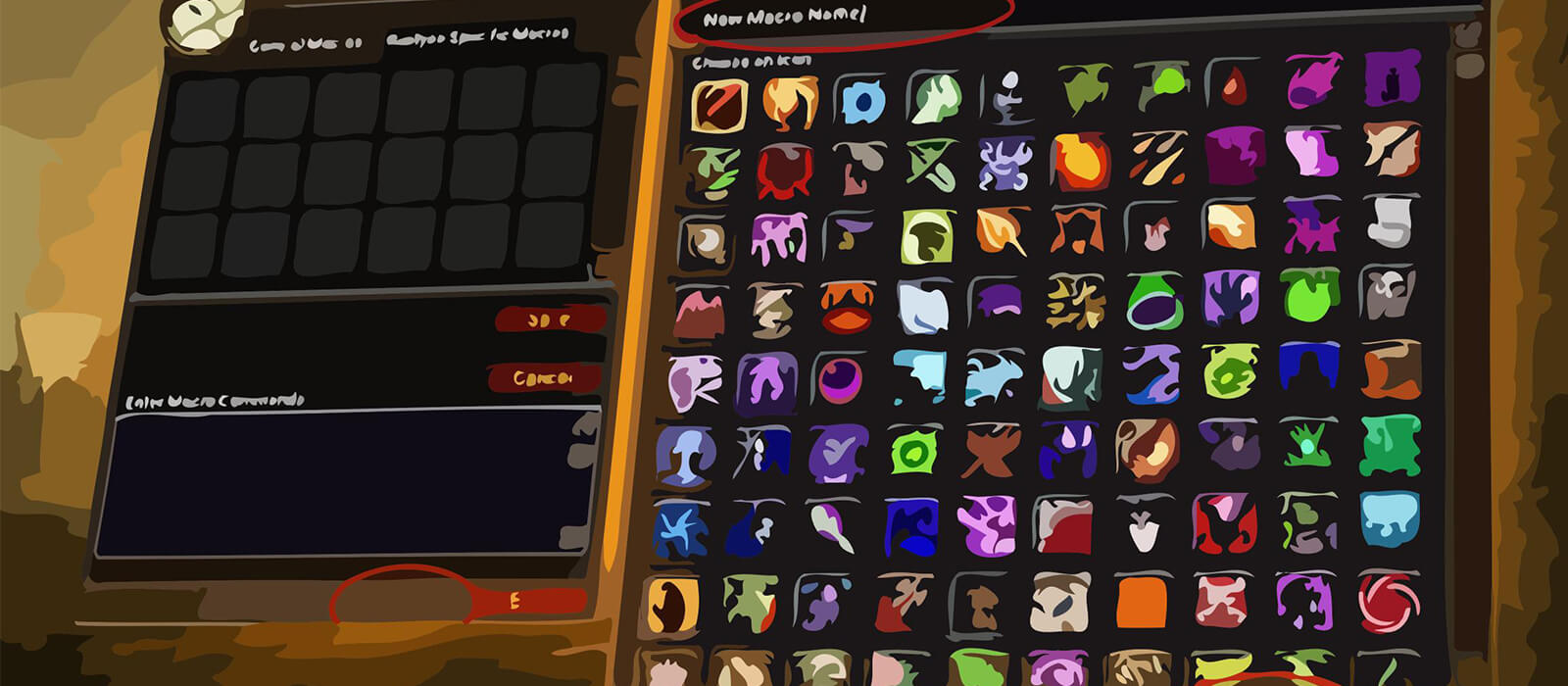
Open the in-game Macros window, create a macro and paste the code exactly as shown. Place it on an action bar and bind it to a key that is easy to reach. Hover the intended raid frame before pressing a mouseover macro. The #showtooltip line displays the relevant spell icon and cooldown.
Mouseover healing is most useful when your boss or raid target remains selected while you apply a HoT to another player. Focus and fallback conditions can help with Innervate, but always check the intended recipient before spending a major utility cooldown.
Restoration Druid PvE macro tips
Rejuvenation, Lifebloom, Regrowth, Swiftmend and Wild Growth timing should remain manual. Macros can make a spell faster to aim, but they cannot decide which HoT is missing, when a Lifebloom stack should be refreshed or which player has the highest healing priority.
Nature's Swiftness with Healing Touch is an emergency recovery tool, not a routine filler button. Rebirth and Innervate should be confirmed carefully before pressing them, especially when several players are under the mouse cursor during movement or heavy raid damage.
Abolish Poison, Remove Curse, Cyclone, Cat Form movement and the self-preservation bear-form macro cover situations where a Restoration Druid must contribute more than direct healing. Bind these utility buttons where they can be reached without leaving the raid frames.
Compatibility and troubleshooting
These macros target the WoW WotLK 3.3.5a macro system. Spell names and target conditions must match your client language, while private-server differences can affect protected actions, forms and mouseover behavior. If a macro fails, test the spell by itself, confirm that the mouseover unit is friendly and alive when required, and reload the UI after editing.
Macros cannot automate healing decisions, HoT management or cooldown timing. Their purpose is to reduce targeting friction and make healing, dispels, movement and raid utility more consistent while leaving triage and encounter awareness with the player.