These Beast Mastery Hunter PvE macros are designed for WoW WotLK 3.3.5a and focus on pet coordination, Kill Command usage, Bestial Wrath cooldowns, threat control and reliable utility. They keep the hunter and pet attacking together while making Misdirection, traps, crowd control and emergency movement easier to use.
Beast Mastery macros can reduce missed pet commands and unnecessary keybinds, but they do not replace cooldown planning or encounter awareness. Use the exact spell and pet ability names from your client, check the active pet and test every macro on a target dummy before using it in a raid.
Bestial Wrath burst
Uses Bestial Wrath, Rabid, Call of the Wild, Rapid Fire, both trinkets, the glove slot and Kill Command.
#showtooltip Bestial Wrath
/startattack
/petattack
/cast Bestial Wrath
/cast Rabid
/cast Call of the Wild
/cast Rapid Fire
/use 13
/use 14
/use 10
/cast Kill Command
Kill Command with Steady Shot
Starts attacking, sends the pet and uses off-global-cooldown Kill Command before Steady Shot.
#showtooltip Steady Shot
/startattack
/petattack
/cast Kill Command
/cast Steady Shot
Kill Command with Multi-Shot
Sends the pet to attack and uses Kill Command before Multi-Shot.
#showtooltip Multi-Shot
/petattack
/cast Kill Command
/cast Multi-Shot
Kill Command with Arcane Shot
Sends the pet to attack and uses Kill Command before Arcane Shot.
#showtooltip Arcane Shot
/petattack
/cast Kill Command
/cast Arcane Shot
Kill Command with Serpent Sting
Sends the pet to attack and applies Serpent Sting while using Kill Command.
#showtooltip Serpent Sting
/petattack
/cast Kill Command
/cast Serpent Sting
Kill Shot with Kill Command
Starts attacking, sends the pet and uses Kill Shot with Kill Command during the execute phase.
#showtooltip Kill Shot
/startattack
/petattack
/cast Kill Command
/cast Kill Shot
Hunter's Mark and pet attack
Marks a hostile mouseover target, falls back to your current target and sends the pet to attack.
#showtooltip Hunter's Mark
/petattack
/cast [@mouseover,harm,nodead][harm,nodead] Hunter's Mark
Misdirection focus or pet
Misdirects to your friendly focus, then a friendly current target, then your pet.
#showtooltip Misdirection
/cast [@focus,help,nodead][help,nodead][@pet,exists,nodead] Misdirection
Misdirection mouseover
Misdirects to a friendly mouseover target, then your focus, then your pet.
#showtooltip Misdirection
/cast [@mouseover,help,nodead][@focus,help,nodead][@pet,exists,nodead] Misdirection
Focus Fire or Bestial Wrath
Uses Bestial Wrath normally and Focus Fire with Shift, preserving manual cooldown timing.
#showtooltip [mod:shift] Focus Fire; Bestial Wrath
/cast [mod:shift] Focus Fire; Bestial Wrath
Pet attack or follow
Uses Pet Attack normally and Pet Follow with Shift.
#showtooltip [mod:shift] Pet Follow; Pet Attack
/cast [mod:shift] Pet Follow; Pet Attack
Pet attack with Dash and Dive
Sends the pet to attack and activates Dash and Dive when those pet abilities are available.
#showtooltip
/petattack
/cast Dash
/cast Dive
Intimidation focus
Commands the pet to stun your focus target without changing your current target.
#showtooltip Intimidation
/cast [@focus,harm,nodead][] Intimidation
Mend Pet
Casts Mend Pet on your current pet without changing your target.
#showtooltip Mend Pet
/cast [@pet,exists,nodead] Mend Pet
Master's Call mouseover or self
Uses Master's Call on a friendly mouseover target, falling back to yourself.
#showtooltip Master's Call
/cast [@mouseover,help,nodead][@player] Master's Call
Feign Death safely
Stops casting, sends the pet to follow and uses Feign Death.
#showtooltip Feign Death
/stopcasting
/petfollow
/cast Feign Death
Deterrence
Stops casting and activates Deterrence immediately.
#showtooltip Deterrence
/stopcasting
/cast Deterrence
Disengage
Stops casting and uses Disengage for emergency movement.
#showtooltip Disengage
/stopcasting
/cast Disengage
Tranquilizing Shot mouseover
Uses Tranquilizing Shot on a hostile mouseover target, falling back to your current target.
#showtooltip Tranquilizing Shot
/cast [@mouseover,harm,nodead][harm,nodead] Tranquilizing Shot
Freezing Trap at cursor
Places Freezing Trap at the cursor when supported by the 3.3.5a client.
#showtooltip Freezing Trap
/cast [@cursor] Freezing Trap
Explosive Trap at cursor
Places Explosive Trap at the cursor for area damage when the encounter allows it.
#showtooltip Explosive Trap
/cast [@cursor] Explosive Trap
Volley at cursor
Places Volley at the cursor without an extra ground-targeting click.
#showtooltip Volley
/cast [@cursor] Volley
How to use Beast Mastery Hunter macros
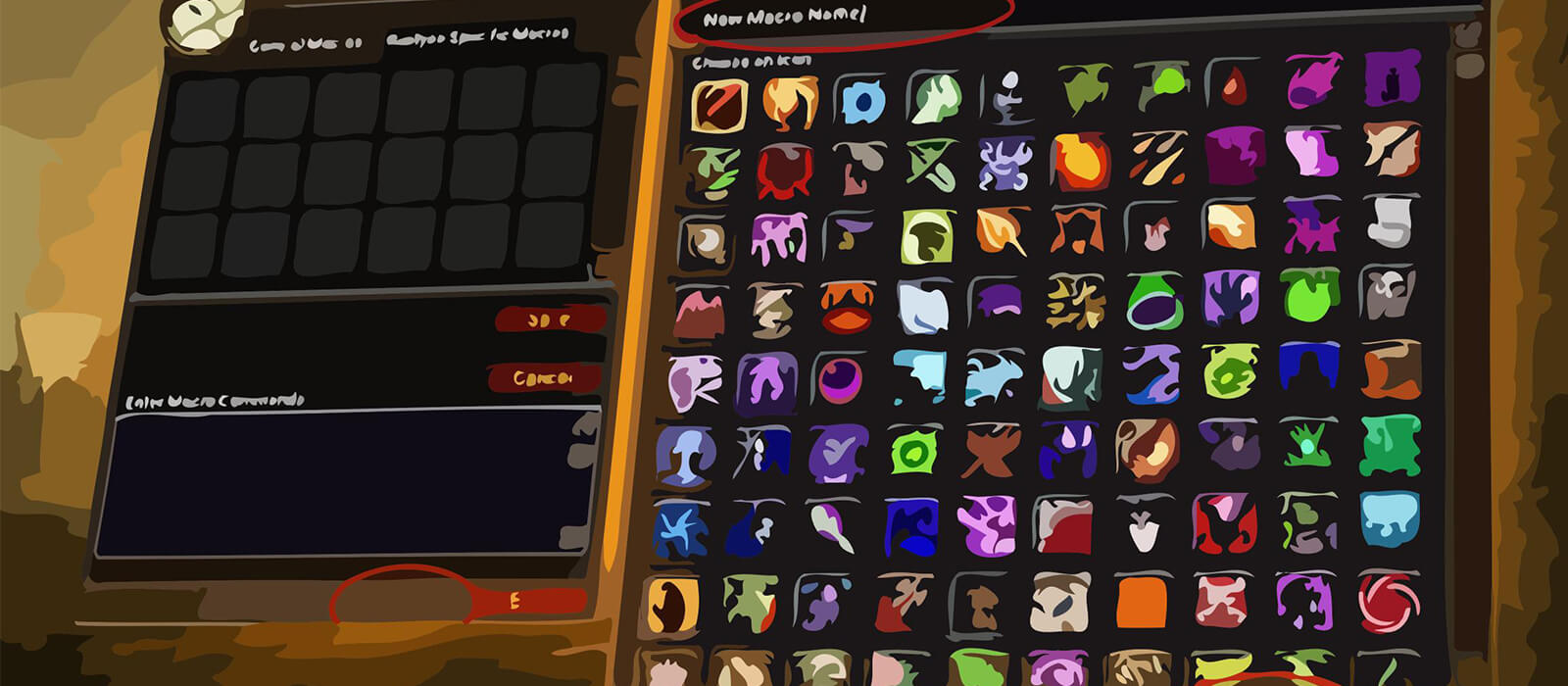
Open the in-game Macros window, create a macro and paste the code exactly as shown. Put it on an action bar and bind it to a reachable key. The burst macro combines several cooldowns, while the Kill Command variants weave the pet attack into common Beast Mastery shots.
Mouseover and focus macros let you mark, misdirect, interrupt utility or control a secondary target without losing the boss. Cursor macros require the mouse to be positioned over the intended location before placing a trap or Volley.
Beast Mastery Hunter PvE macro tips
Kill Command is an important part of the Beast Mastery rotation, so the Steady Shot, Multi-Shot, Arcane Shot, Serpent Sting and Kill Shot variants help keep it available without requiring a separate button. They still respect the global cooldown and should not replace awareness of the actual cooldown.
Bestial Wrath, Rabid, Call of the Wild, Rapid Fire, trinkets and the glove slot are grouped for a planned burst window. Use the separate Focus Fire option when you need independent control, and review which cooldowns your pet and gear actually have before relying on the burst key.
Misdirection, Intimidation, Tranquilizing Shot, traps and pet follow control are valuable in dungeons and raids. Feign Death, Deterrence and Disengage are emergency tools, so keep them reachable and avoid adding unnecessary delays to their defensive actions.
Compatibility and troubleshooting
These macros target the WoW WotLK 3.3.5a macro system. Private-server clients can differ in protected actions, pet abilities and support for @cursor. If a macro fails, check the active pet, spell range, target condition and modifier, then test the underlying spell by itself and reload the UI after editing.
Macros cannot automate pet positioning, cooldown priority or encounter mechanics. Their purpose is to make Beast Mastery targeting and pet control more consistent while the player decides when to burst, misdirect, trap and use defensive cooldowns.