These Marksmanship Hunter PvE macros are designed for WoW WotLK 3.3.5a and focus on reliable target control, pet commands, traps, defensive cooldowns and raid utility. They make it easier to use Misdirection, Master's Call, Feign Death, Deterrence and interrupt or crowd-control abilities without losing the current target.
Hunter macros should support your Aimed Shot, Chimera Shot, Kill Shot and Serpent Sting decisions rather than automate the rotation. Use exact spell and item names from your client, check the intended mouseover or focus target, and test every macro on a target dummy before using it in a raid.
Cancel Deterrence
Cancels Deterrence so you can immediately resume attacking.
#showtooltip Cancel
/cancelaura Deterrence
Melee range
Uses Wing Clip and then Raptor Strike for close-range combat.
#showtooltip Wing Clip
/castsequence reset=1,8 Wing Clip,Raptor Strike
/cast Raptor Strike
/script UIErrorsFrame:Clear()
Viper Sting mouseover
Casts Viper Sting on a mouseover target and can be repeated on the current target.
#showtooltip Viper Sting
/cast [@mouseover] Viper Sting
/stopmacro [modifier:shift]
/cast Viper Sting
Volley
Casts Volley without cancelling the channel when the button is pressed again.
#showtooltip Volley
/cast !Volley
/script UIErrorsFrame:Clear()
Misdirection mouseover
Casts Misdirection on the friendly mouseover target without changing your current target.
#showtooltip Misdirection
/cast [@mouseover] Misdirection
Disengage
Stops your current cast and immediately uses Disengage.
/stopcasting
/cast Disengage
Spider pet utility
Sends the pet to attack and uses its special abilities: Dash and Web.
#showtooltip Pet Attack
/petattack
/cast Dash
/cast Web
Master's Call
Uses Master's Call on a friendly mouseover target or on yourself.
#showtooltip Master's Call
/cast [target=mouseover, help] Master's Call
/cast [target=player] Master's Call
Feign Death and pet follow
Stops casting, recalls the pet and uses Feign Death.
#showtooltip Feign death
/stopcasting
/petfollow
/cast [nomod] Feign death
/cast [mod:shift, combat] Feign death
/script UIErrorsFrame:Clear()
Aimed Shot PvP
Targets an enemy player when needed and combines Aimed Shot with Concussive Shot.
#showtooltip Aimed Shot
/targetenemyplayer [noharm][dead]
/use [mod:alt]Concussive Shot
/castsequence reset=3 Aimed Shot(Rank 9),Concussive Shot
/script UIErrorsFrame:Clear()
Silencing Shot mouseover
Casts Silencing Shot on a mouseover target and can be repeated on the current target.
#showtooltip Silencing shot
/cast [@mouseover] Silencing shot
/stopmacro [modifier:shift]
/cast Silencing shot
Deterrence
Stops casting and activates Deterrence.
#showtooltip Deterrence
/stopcasting
/use Deterrence
Scatter Shot
Cancels Deterrence, stops casting, recalls the pet and uses Scatter Shot on a mouseover or current target.
#showtooltip Scatter Shot
/cancelaura Deterrence
/stopcasting
/petfollow
/cast [target=mouseover,harm] Scatter Shot;Scatter Shot
/script UIErrorsFrame:Clear()
Save the pet
Uses Cower and Dash, then recalls the pet.
#showtooltip Cower
/cast Cower
/cast Dash
/petfollow
Serpent Sting PvP
Targets an enemy player when needed, supports Scorpid Sting with Alt and uses the glove engineering cooldown.
#showtooltip Serpent Sting
/targetenemyplayer [dead][noharm]
/use [mod:alt]Scorpid Sting
/cast Serpent Sting
/cast Wrathful Gladiator's Chain Gauntlets
/script UIErrorsFrame:Clear()
Serpent Sting and pet attack
Casts Serpent Sting and sends your pet to attack the target.
#showtooltip Serpent Sting
/cast Serpent Sting
/petattack
Chimera Shot PvP
Starts attacking, sends the pet, uses Kill Command and Silencing Shot, then casts Chimera Shot.
#showtooltip Chimera shot
/startattack
/petattack
/cast Kill Command
/cast Silencing shot
/cast Chimera shot
Arcane Shot PvP
Targets an enemy player when needed, supports Volley with Alt and combines Arcane Shot with Concussive Shot.
#showtooltip Arcane Shot
/targetenemyplayer [noharm][dead]
/use [mod:alt]Volley
/castsequence reset=3 Arcane Shot,Concussive Shot
/script UIErrorsFrame:Clear()
How to use Marksmanship Hunter macros
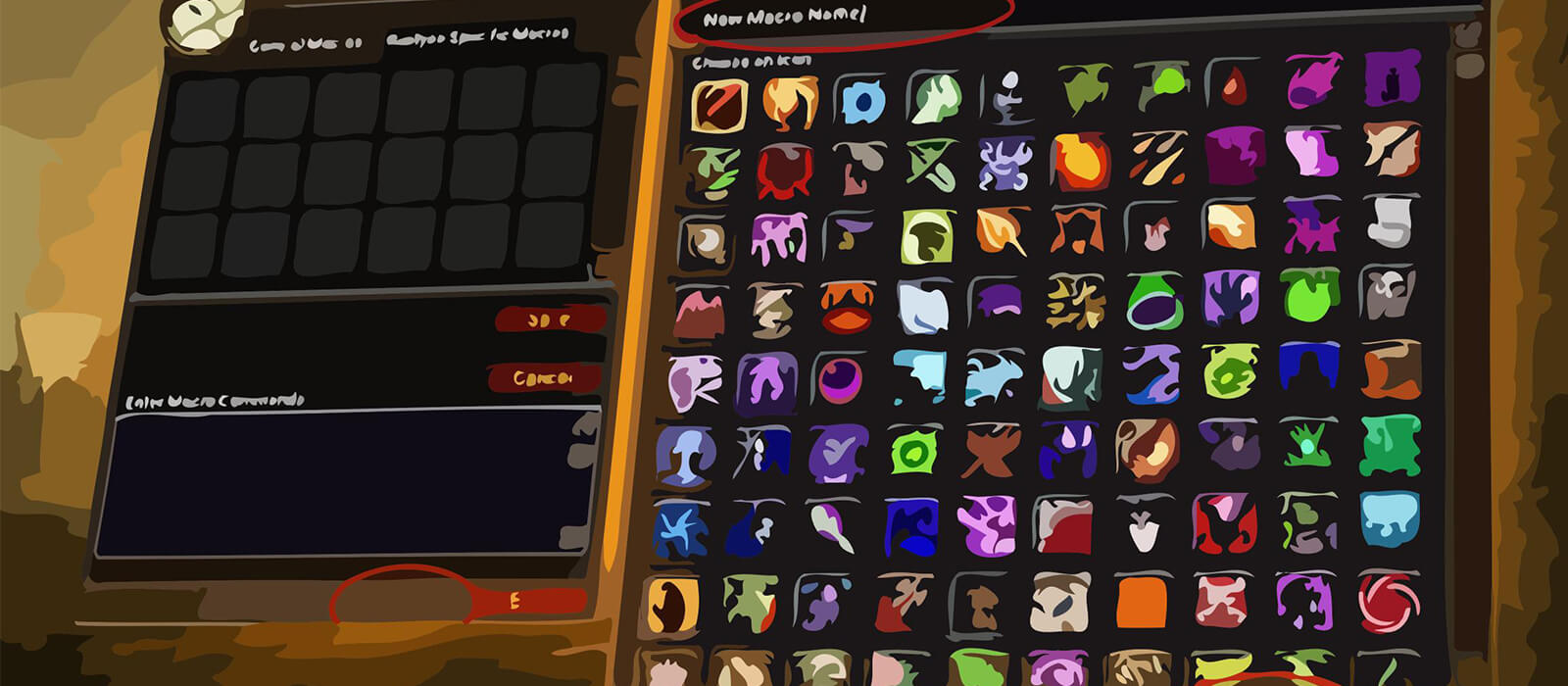
Open the in-game Macros window, create a macro and paste the code exactly as shown. Place it on an action bar and bind it to a key that is easy to reach. Mouseover macros use the unit under your cursor, while focus macros let you control a secondary target without changing your main target. The #showtooltip line displays the relevant ability icon and cooldown.
Pet macros are most reliable when the pet is alive and in range. A macro that combines Pet Follow, Feign Death, traps or Misdirection may require a second press because protected actions, the global cooldown and pet travel time are handled separately by the client.
Marksmanship Hunter PvE macro tips
Keep Aimed Shot, Chimera Shot, Kill Shot and cooldown timing under manual control. Use mouseover and focus macros to reduce target switching when applying utility, interrupting a secondary target or redirecting threat. Misdirection is especially useful at the start of a pull or when a new add needs to be picked up quickly.
Deterrence, Disengage and Feign Death are survival tools, not rotation buttons. Trap and pet-follow macros can help with positioning, but always confirm that the pet is close enough and that the trap location is safe. Do not combine every cooldown into one button if the encounter requires separate timing.
Compatibility and troubleshooting
These macros target the WoW WotLK 3.3.5a macro system. Spell names, pet abilities and item names must match your client language, while private-server scripting can change how protected actions and target conditions behave. If a macro fails, test the spell by itself, confirm the focus or mouseover target, check pet status and reload the UI after editing.
Macros cannot automate the Marksmanship Hunter priority, bypass the global cooldown or make protected combat decisions. Their purpose is to reduce targeting friction and make pet, trap, defensive and raid-utility actions more consistent while leaving encounter awareness with the player.