These Survival Hunter PvE macros are designed for WoW WotLK 3.3.5a and focus on Explosive Shot, Lock and Load, Black Arrow, trap placement, pet control and raid utility. They make Misdirection, Tranquilizing Shot, Feign Death and defensive cooldowns easier to use while keeping the Survival Hunter priority under the player's control.
Use the exact spell, pet and item names from your client. Mouseover and focus macros require valid targets, while trap-at-cursor commands depend on server support. Test every macro on a target dummy or in a safe dungeon before using it in a raid.
Explosive Shot
Starts attacking, uses Kill Command and casts Explosive Shot. Kill Command is off the global cooldown and is placed before the shot.
#showtooltip Explosive Shot
/startattack
/petattack
/cast Kill Command
/cast Explosive Shot
Lock and Load Explosive Shot
Uses the common 4-3-4 rank sequence for a Lock and Load proc. Start the sequence only when Lock and Load is active and press once per free shot.
#showtooltip Explosive Shot
/castsequence reset=6 Explosive Shot(Rank 4), Explosive Shot(Rank 3), Explosive Shot(Rank 4)
Black Arrow mouseover
Casts Black Arrow on a hostile mouseover target, falling back to your current target.
#showtooltip Black Arrow
/cast [@mouseover,harm,nodead][harm,nodead] Black Arrow
Serpent Sting with pet attack
Applies Serpent Sting and sends the pet to attack the current target.
#showtooltip Serpent Sting
/petattack
/cast [@mouseover,harm,nodead][harm,nodead] Serpent Sting
Kill Shot
Starts attacking, sends the pet and casts Kill Shot on the current target.
#showtooltip Kill Shot
/startattack
/petattack
/cast Kill Shot
Arcane Shot mouseover
Casts Arcane Shot on a hostile mouseover target, falling back to your current target.
#showtooltip Arcane Shot
/startattack
/cast [@mouseover,harm,nodead][harm,nodead] Arcane Shot
Multi-Shot with pet attack
Sends the pet to attack and casts Multi-Shot without changing your current target.
#showtooltip Multi-Shot
/petattack
/cast Multi-Shot
Burst cooldowns
Uses Rapid Fire, both equipped trinkets and the glove slot. Add Berserking or Blood Fury only if it matches your character.
#showtooltip Rapid Fire
/cast Rapid Fire
/use 13
/use 14
/use 10
Misdirection focus or pet
Misdirects to your friendly focus, then a friendly current target, then your pet.
#showtooltip Misdirection
/cast [@focus,help,nodead][help,nodead][@pet,exists,nodead] Misdirection
Misdirection mouseover
Misdirects to a friendly mouseover target, then your focus, then your pet.
#showtooltip Misdirection
/cast [@mouseover,help,nodead][@focus,help,nodead][@pet,exists,nodead] Misdirection
Hunter's Mark mouseover
Places Hunter's Mark on a hostile mouseover target without changing your current target.
#showtooltip Hunter's Mark
/cast [@mouseover,harm,nodead][harm,nodead] Hunter's Mark
Tranquilizing Shot mouseover
Uses Tranquilizing Shot on a hostile mouseover target, falling back to your current target.
#showtooltip Tranquilizing Shot
/cast [@mouseover,harm,nodead][harm,nodead] Tranquilizing Shot
Silencing Shot focus
Casts Silencing Shot on your focus target without changing your current target.
#showtooltip Silencing Shot
/cast [@focus,harm,nodead][] Silencing Shot
Freezing Trap at cursor
Places Freezing Trap at the cursor when supported by the 3.3.5a client. Use the normal ground-targeting version if your server does not support @cursor.
#showtooltip Freezing Trap
/cast [@cursor] Freezing Trap
Explosive Trap at cursor
Places Explosive Trap at the cursor for trap weaving or area damage when the encounter allows it.
#showtooltip Explosive Trap
/cast [@cursor] Explosive Trap
Feign Death safely
Stops casting, sends the pet to follow and uses Feign Death.
#showtooltip Feign Death
/stopcasting
/petfollow
/cast Feign Death
Deterrence
Stops casting and activates Deterrence immediately.
#showtooltip Deterrence
/stopcasting
/cast Deterrence
Cancel Deterrence
Cancels Deterrence when you need to resume attacking before the effect expires.
#showtooltip Deterrence
/cancelaura Deterrence
Disengage
Stops casting and uses Disengage for emergency movement.
#showtooltip Disengage
/stopcasting
/cast Disengage
Master's Call mouseover or self
Uses Master's Call on a friendly mouseover target, falling back to yourself.
#showtooltip Master's Call
/cast [@mouseover,help,nodead][@player] Master's Call
Pet attack or follow
Uses Pet Attack normally and Pet Follow with Shift, keeping pet control on one button.
#showtooltip [mod:shift] Pet Follow; Pet Attack
/cast [mod:shift] Pet Follow; Pet Attack
How to use Survival Hunter macros
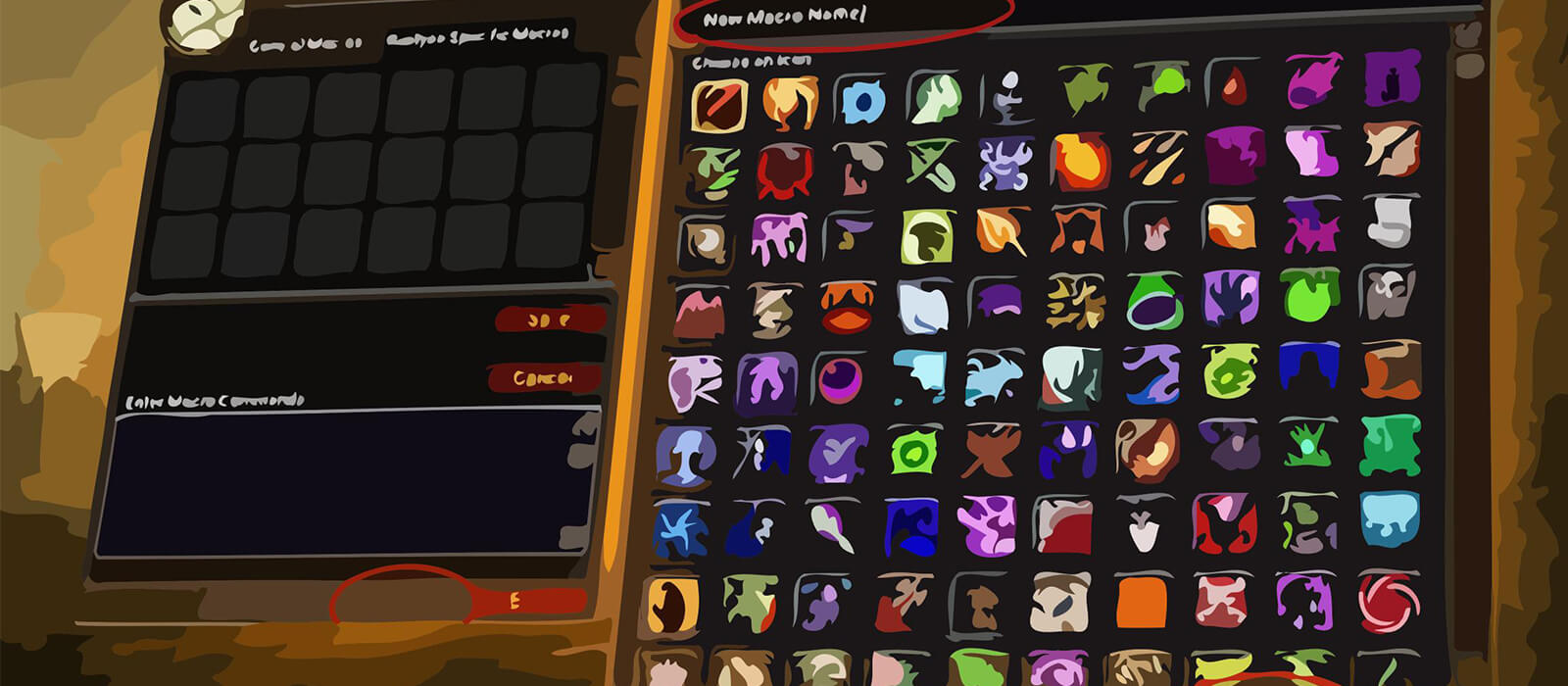
Open the in-game Macros window, create a macro and paste the code exactly as shown. Place it on an action bar and bind it to a reachable key. The #showtooltip line displays the relevant ability icon and cooldown. For mouseover macros, hover the intended enemy or friendly frame before pressing the button.
Pet macros require an active demon—sorry, an active hunter pet—and sufficient range. Misdirection, Master's Call, traps and Feign Death may need a second press when the pet is moving or the client is processing another action.
Survival Hunter PvE macro tips
Explosive Shot, Black Arrow, Serpent Sting and Lock and Load timing should remain manual. The 4-3-4 Explosive Shot sequence is intended only for an active Lock and Load proc; pressing it outside the proc can produce the wrong behavior. Kill Shot and burst cooldowns should also be timed around encounter phases.
Misdirection and pet control are major parts of Hunter utility. Focus or mouseover versions help redirect threat to the tank, while Pet Follow and Feign Death can prevent the pet from pulling or breaking a mechanic. Tranquilizing Shot, traps and Silencing Shot should be bound where they are reachable during movement.
Deterrence and Disengage are survival tools, not rotation buttons. Stopcasting versions interrupt the current cast intentionally, so use them only when movement or defense is more important than finishing the spell.
Compatibility and troubleshooting
These macros target the WoW WotLK 3.3.5a macro system. Spell names, pet abilities and item names must match your client language, while private-server differences can affect @cursor traps, protected actions and pet conditions. If a macro fails, test the spell alone, check pet range and target validity, and reload the UI after editing.
Macros cannot automate Lock and Load decisions, trap timing, pet positioning or the Survival Hunter priority. Their purpose is to reduce targeting friction and make traps, pet commands, threat transfer and defensive utility more consistent while leaving encounter awareness with the player.