These Protection Paladin PvE macros are designed for WoW WotLK 3.3.5a and focus on reliable threat, fast taunts, block-based mitigation and raid support. They make Avenger’s Shield, Hammer of the Righteous, Shield of Righteousness, Consecration and Holy Shield easy to reach while giving the tank quick access to Hands and defensive cooldowns.
Protection macros reduce target switching and keybind pressure, but they do not replace threat awareness, positioning or cooldown planning. Use the exact spell names from your client, verify friendly and hostile target conditions, and test every macro on a target dummy or in a safe dungeon before relying on it in a raid.
Avenger’s Shield
Starts attacking and casts Avenger’s Shield for ranged pull and multi-target threat.
#showtooltip Avenger's Shield
/startattack
/cast Avenger's Shield
Hammer of the Righteous
Starts attacking and uses Hammer of the Righteous for multi-target threat.
#showtooltip Hammer of the Righteous
/startattack
/cast Hammer of the Righteous
Shield of Righteousness
Starts attacking and uses Shield of Righteousness for single-target threat.
#showtooltip Shield of Righteousness
/startattack
/cast Shield of Righteousness
Judgement of Wisdom or Light
Uses Judgement of Wisdom normally and Judgement of Light with Shift.
#showtooltip [mod:shift] Judgement of Light; Judgement of Wisdom
/startattack
/cast [mod:shift] Judgement of Light; Judgement of Wisdom
Consecration
Starts attacking and casts Consecration for area threat without changing targets.
#showtooltip Consecration
/startattack
/cast Consecration
Holy Shield
Activates Holy Shield and starts attacking to maintain block-based mitigation and threat.
#showtooltip Holy Shield
/startattack
/cast Holy Shield
Hammer of Wrath
Starts attacking and casts the execute ability when the target is in range and health range.
#showtooltip Hammer of Wrath
/startattack
/cast Hammer of Wrath
Exorcism pull
Stops casting and uses Exorcism for a ranged pull or instant proc when available.
#showtooltip Exorcism
/cast Exorcism
/startattack
/stopcasting [combat,nomod:ctrl]
Taunt harm or friendly
Uses Hand of Reckoning on a hostile target and Righteous Defense on a friendly target.
#showtooltip
/cast [@mouseover,harm,nodead][harm,nodead] Hand of Reckoning; [@mouseover,help,nodead][help,nodead] Righteous Defense
Hand of Reckoning focus
Taunts your hostile focus target without changing your current target.
#showtooltip Hand of Reckoning
/cast [@focus,harm,nodead][] Hand of Reckoning
Righteous Defense mouseover
Taunts enemies attacking a friendly mouseover without changing your current target.
#showtooltip Righteous Defense
/cast [@mouseover,help,nodead][help,nodead] Righteous Defense
Righteous Defense focus
Uses Righteous Defense on your friendly focus target without changing targets.
#showtooltip Righteous Defense
/cast [@focus,help,nodead][] Righteous Defense
Avenging Wrath burst
Uses Avenging Wrath with trinkets, the glove slot, Speed Potion and available racial cooldowns.
#showtooltip Avenging Wrath
/cast Avenging Wrath
/use [combat] 13
/use [combat] 14
/use [combat] Potion of Speed
/use [combat] 10
/cast Blood Fury
/cast Berserking
Divine Protection
Stops casting and activates Divine Protection with the engineering glove slot when available.
#showtooltip Divine Protection
/stopcasting
/cast Divine Protection
/use [combat] 10
Divine Shield toggle
Casts Divine Shield and removes it on the next press to quickly restore threat.
#showtooltip Divine Shield
/cancelaura Divine Shield
/cast Divine Shield
Divine Sacrifice
Activates Divine Sacrifice for raid damage reduction; cancel it separately when needed.
#showtooltip Divine Sacrifice
/stopcasting
/cast Divine Sacrifice
Cancel Divine Sacrifice
Removes Divine Sacrifice when you no longer want to redirect raid damage to yourself.
#showtooltip Divine Sacrifice
/cancelaura Divine Sacrifice
Divine Plea
Activates Divine Plea for mana recovery without automatically cancelling the buff.
#showtooltip Divine Plea
/cast Divine Plea
Cancel Divine Plea
Removes Divine Plea when the healing penalty is no longer acceptable.
#showtooltip Divine Plea
/cancelaura Divine Plea
Seal of Vengeance or Command
Uses Seal of Vengeance normally and Seal of Command with Shift for area situations.
#showtooltip [mod:shift] Seal of Command; Seal of Vengeance
/cast [mod:shift] Seal of Command; Seal of Vengeance
Seal of Corruption or Command
Uses Seal of Corruption normally for Horde characters and Seal of Command with Shift.
#showtooltip [mod:shift] Seal of Command; Seal of Corruption
/cast [mod:shift] Seal of Command; Seal of Corruption
Righteous Fury
Activates Righteous Fury to maintain the Protection threat modifier.
#showtooltip Righteous Fury
/cast Righteous Fury
Hand of Salvation mouseover
Reduces threat on a friendly mouseover without changing your current target.
#showtooltip Hand of Salvation
/cast [@mouseover,help,nodead][help,nodead] Hand of Salvation
Hand of Protection mouseover
Casts Hand of Protection on a friendly mouseover and removes your own Hand of Protection when pressed again.
#showtooltip Hand of Protection
/cancelaura Hand of Protection
/cast [@mouseover,help,nodead][help,nodead] Hand of Protection
Hand of Sacrifice mouseover
Places Hand of Sacrifice on a friendly mouseover without changing targets.
#showtooltip Hand of Sacrifice
/cast [@mouseover,help,nodead][help,nodead] Hand of Sacrifice
Hand of Freedom mouseover
Removes movement impairing effects from a friendly mouseover without target switching.
#showtooltip Hand of Freedom
/cast [@mouseover,help,nodead][help,nodead] Hand of Freedom
Cleanse mouseover
Cleanses a friendly mouseover, then your current friendly target.
#showtooltip Cleanse
/cast [@mouseover,help,nodead][help,nodead] Cleanse
Lay on Hands mouseover
Uses Lay on Hands on a friendly mouseover, then your current friendly target.
#showtooltip Lay on Hands
/cast [@mouseover,help,nodead][help,nodead] Lay on Hands
Concentration or Devotion Aura
Uses Devotion Aura normally and Concentration Aura with Shift for caster-heavy encounters.
#showtooltip [mod:shift] Concentration Aura; Devotion Aura
/cast [mod:shift] Concentration Aura; Devotion Aura
How to use Protection Paladin macros
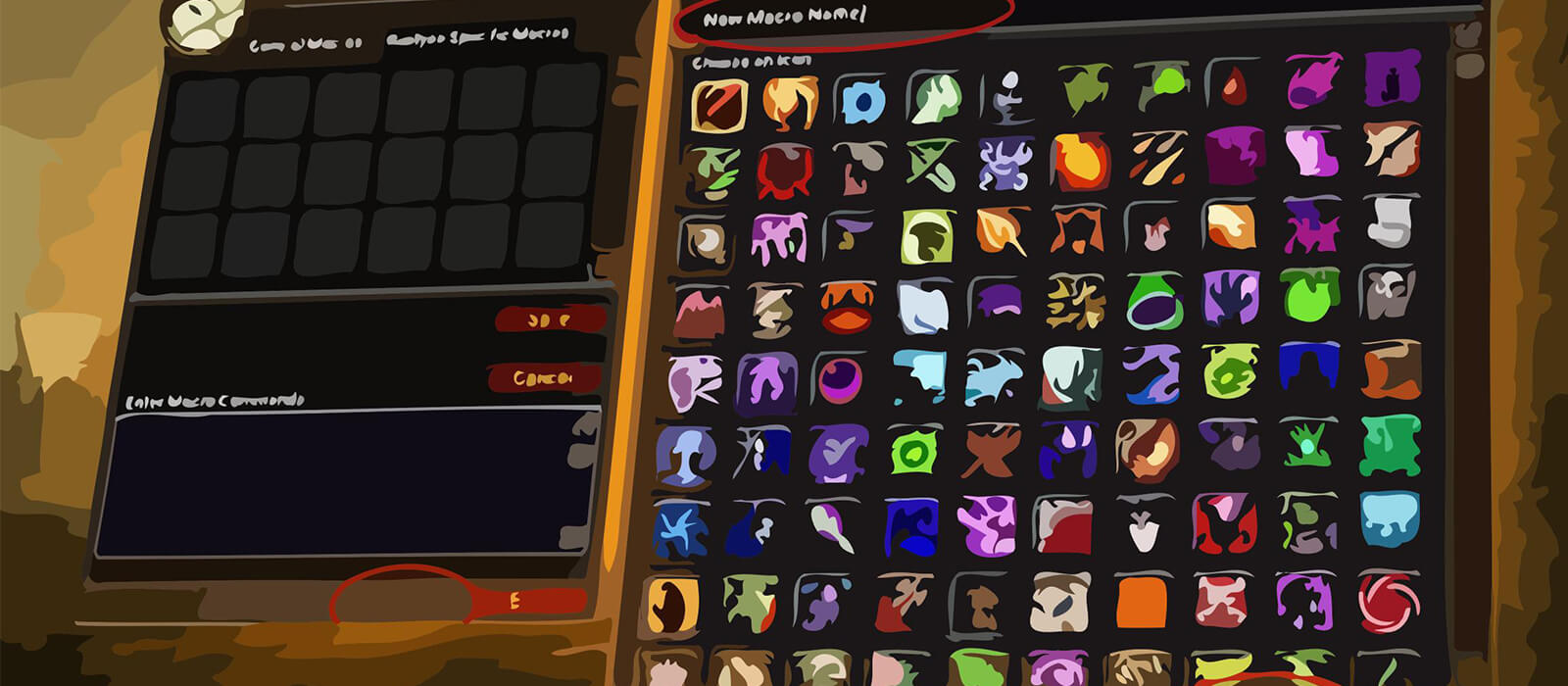
Open the in-game Macros window, create a macro and paste the code exactly as shown. Place it on an action bar and bind it to a reachable key. Mouseover taunt macros help pick up loose enemies, while focus taunts and Righteous Defense preserve the current target during fast target swaps.
The Avenging Wrath button combines burst items and racial cooldowns, while Divine Protection, Divine Sacrifice and Divine Shield cover different defensive situations. Keep cancel buttons accessible so a defensive buff or raid-damage redirect can be ended when its purpose is complete.
Protection Paladin PvE macro tips
Avenger’s Shield, Hammer of the Righteous, Shield of Righteousness, Judgement, Consecration and Holy Shield form the core of Protection threat and mitigation. The macros make them faster to access, but the correct ability still depends on target count, positioning, cooldowns and the pull's threat requirements.
Hand of Reckoning, Righteous Defense and the friendly-target taunt macro are valuable for controlling loose enemies. Hand of Salvation, Hand of Protection, Hand of Sacrifice and Hand of Freedom provide group utility, while Cleanse and Lay on Hands can save a player during an emergency.
Divine Plea and Righteous Fury support the tanking framework, while seal and aura modifiers keep alternative choices on compact keybinds. Confirm the correct seal, aura and modifier before a pull, especially when moving between single-target, area-threat and caster-heavy situations.
Compatibility and troubleshooting
These macros target the WoW WotLK 3.3.5a macro system. Private-server clients can differ in protected actions, modifier behavior and target conditions. If a macro fails, check your range, current seal, target relationship and cooldown, then test the underlying spell alone and reload the UI after editing.
Macros cannot decide when to taunt, which defensive cooldown to reserve or how to manage threat. Their purpose is to reduce interface friction so the Protection Paladin can react faster while retaining control over positioning, mitigation, support and encounter timing.