These Retribution Paladin PvE macros are designed for WoW WotLK 3.3.5a and focus on fast melee ability access, burst cooldowns, seal choices and the group utility that makes a Retribution Paladin valuable in a raid. They keep Crusader Strike, Divine Storm, Judgement, Exorcism and Hammer of Wrath easy to reach while making Hands and emergency support faster to use.
Retribution macros reduce target switching and keybind pressure, but they do not replace priority management or encounter awareness. Use the exact spell names from your client, check modifier choices carefully and test every button on a target dummy or in a safe dungeon before using it in a raid.
Crusader Strike
Starts attacking and uses Crusader Strike, with the engineering glove slot available during combat.
#showtooltip Crusader Strike
/startattack
/use [combat] 10
/cast Crusader Strike
Divine Storm
Starts attacking and uses Divine Storm for area damage and healing.
#showtooltip Divine Storm
/startattack
/cast Divine Storm
Judgement of Wisdom or Light
Uses Judgement of Wisdom normally and Judgement of Light with Shift.
#showtooltip [mod:shift] Judgement of Light; Judgement of Wisdom
/startattack
/cast [mod:shift] Judgement of Light; Judgement of Wisdom
Hammer of Wrath
Starts attacking and casts the execute ability when the target is in range and health range.
#showtooltip Hammer of Wrath
/startattack
/cast Hammer of Wrath
Consecration
Starts attacking and casts Consecration for area damage without changing targets.
#showtooltip Consecration
/startattack
/cast Consecration
Exorcism proc-safe
Uses instant Exorcism procs and stops a non-instant cast unless Ctrl is held to allow the hard cast.
#showtooltip Exorcism
/cast Exorcism
/startattack
/stopcasting [combat,nomod:ctrl]
Holy Wrath
Casts Holy Wrath for undead or demon targets and starts attacking.
#showtooltip Holy Wrath
/startattack
/cast Holy Wrath
Avenging Wrath burst
Uses Avenging Wrath with trinkets, the glove slot, Speed Potion and available racial cooldowns.
#showtooltip Avenging Wrath
/cast Avenging Wrath
/use [combat] 13
/use [combat] 14
/use [combat] Potion of Speed
/use [combat] 10
/cast Blood Fury
/cast Berserking
/startattack
Divine Plea
Activates Divine Plea and uses the glove slot when available for a controlled mana cooldown.
#showtooltip Divine Plea
/cast Divine Plea
/use [combat] 10
Seal of Vengeance or Command
Uses Seal of Vengeance normally and Seal of Command with Shift for area situations.
#showtooltip [mod:shift] Seal of Command; Seal of Vengeance
/cast [mod:shift] Seal of Command; Seal of Vengeance
Seal of Corruption or Command
Uses Seal of Corruption normally for Horde characters and Seal of Command with Shift.
#showtooltip [mod:shift] Seal of Command; Seal of Corruption
/cast [mod:shift] Seal of Command; Seal of Corruption
Retribution or Concentration Aura
Uses Retribution Aura normally and Concentration Aura with Shift for caster-heavy encounters.
#showtooltip [mod:shift] Concentration Aura; Retribution Aura
/cast [mod:shift] Concentration Aura; Retribution Aura
Divine Shield toggle
Casts Divine Shield and removes it on the next press, useful for dropping the damage penalty quickly.
#showtooltip Divine Shield
/cancelaura Divine Shield
/cast Divine Shield
Hand of Protection mouseover
Casts Hand of Protection on a friendly mouseover and removes it when pressed again.
#showtooltip Hand of Protection
/cancelaura Hand of Protection
/cast [@mouseover,help,nodead][@player] Hand of Protection
Hand of Salvation mouseover
Reduces threat on a friendly mouseover without changing your current target.
#showtooltip Hand of Salvation
/cast [@mouseover,help,nodead][help,nodead] Hand of Salvation
Hand of Freedom mouseover
Removes movement impairing effects from a friendly mouseover without target switching.
#showtooltip Hand of Freedom
/cast [@mouseover,help,nodead][help,nodead] Hand of Freedom
Hand of Sacrifice mouseover
Places Hand of Sacrifice on a friendly mouseover without changing targets.
#showtooltip Hand of Sacrifice
/cast [@mouseover,help,nodead][help,nodead] Hand of Sacrifice
Cleanse mouseover
Cleanses a friendly mouseover, then your current friendly target.
#showtooltip Cleanse
/cast [@mouseover,help,nodead][help,nodead] Cleanse
Lay on Hands mouseover
Uses Lay on Hands on a friendly mouseover, then your current friendly target.
#showtooltip Lay on Hands
/cast [@mouseover,help,nodead][help,nodead] Lay on Hands
Flash of Light mouseover
Casts Flash of Light on a friendly mouseover, making Art of War instant procs easy to use.
#showtooltip Flash of Light
/cast [@mouseover,help,nodead][help,nodead] Flash of Light
Hammer of Justice focus
Stuns your hostile focus target without changing your current target.
#showtooltip Hammer of Justice
/cast [@focus,harm,nodead][] Hammer of Justice
Turn Evil focus
Fears an undead or demon focus target without changing your current target.
#showtooltip Turn Evil
/cast [@focus,harm,nodead][] Turn Evil
Righteous Defense mouseover
Uses Righteous Defense on a friendly mouseover to protect them from nearby attackers.
#showtooltip Righteous Defense
/cast [@mouseover,help,nodead][help,nodead] Righteous Defense
Redemption mouseover
Resurrects a dead friendly mouseover, then your current dead friendly target.
#showtooltip Redemption
/cast [@mouseover,help,dead][help,dead] Redemption
Blessing of Kings or Might
Uses Blessing of Kings normally and Blessing of Might with Shift.
#showtooltip [mod:shift] Blessing of Might; Blessing of Kings
/cast [mod:shift] Blessing of Might; Blessing of Kings
How to use Retribution Paladin macros
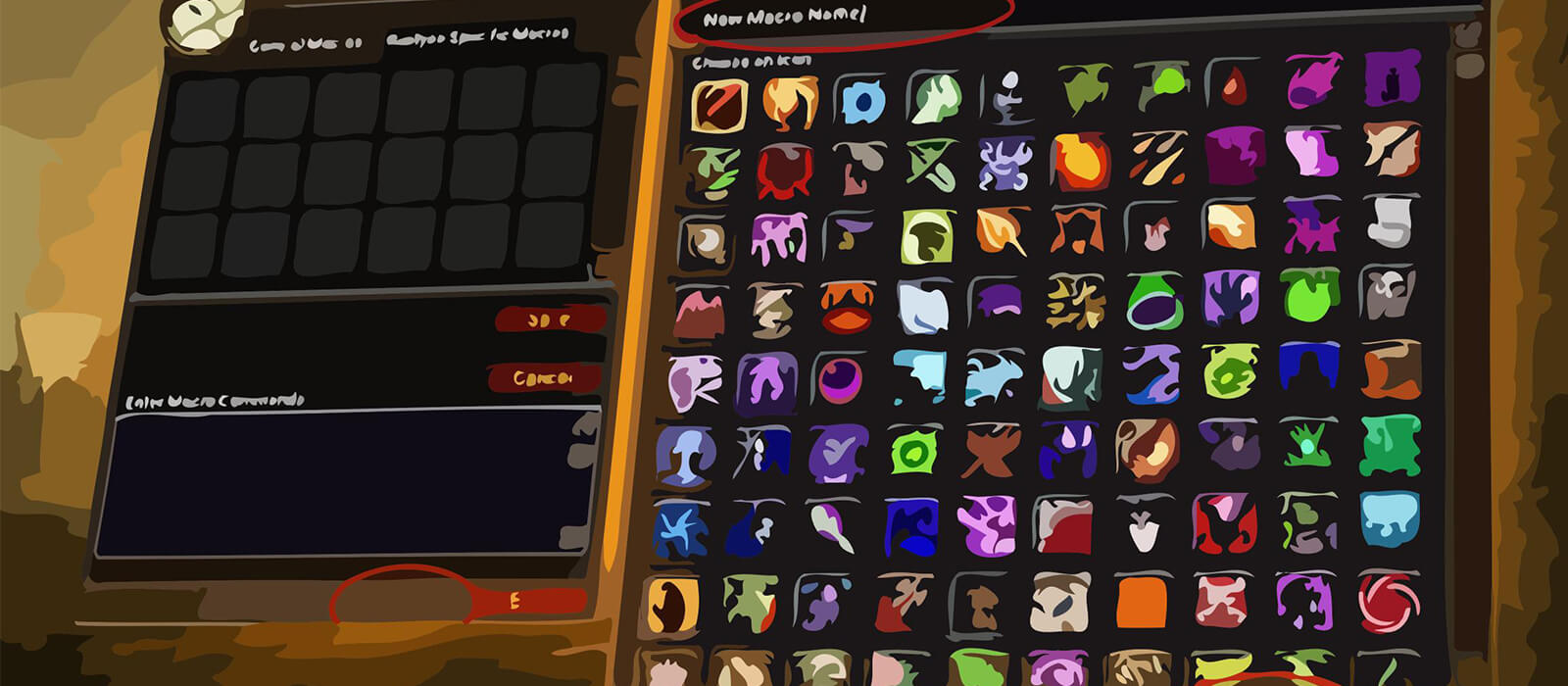
Open the in-game Macros window, create a macro and paste the code exactly as shown. Place it on an action bar and bind it to a reachable key. Mouseover macros let you support allies without dropping the enemy target, while focus macros reserve Hammer of Justice or Turn Evil for a secondary target.
The Avenging Wrath button combines burst items and racial cooldowns, so use it only during a planned damage window. The Exorcism proc-safe macro protects instant Art of War procs while allowing a hard cast with Ctrl when that is genuinely intended.
Retribution Paladin PvE macro tips
Crusader Strike, Divine Storm, Judgement, Consecration, Exorcism and Hammer of Wrath should remain easy to reach because their timing drives the Retribution priority. The seal modifier buttons help adapt between single-target and area situations, but shared cooldowns and encounter movement still require manual decisions.
Divine Shield, Hand of Protection, Hand of Salvation, Hand of Freedom and Hand of Sacrifice provide important raid utility. Mouseover versions are valuable for saving a teammate without losing the boss, while the Divine Shield toggle can remove the damage penalty quickly when the immunity is no longer needed.
Cleanse, Lay on Hands, Flash of Light, Righteous Defense, Redemption and the blessing modifier make the Paladin more useful outside pure damage. Keep these keys reachable and confirm the friendly target before using a high-impact support cooldown.
Compatibility and troubleshooting
These macros target the WoW WotLK 3.3.5a macro system. Private-server clients can differ in protected actions, modifier behavior and target conditions. If a macro fails, test the spell alone, check the target relationship and cooldown, then reload the UI after editing.
Macros cannot decide when to use Avenging Wrath, Divine Shield, Hand of Sacrifice or a seal swap. Their purpose is to reduce targeting friction so the Retribution Paladin can react faster while retaining control over priority, mana, support and encounter timing.