These Destruction Warlock PvE macros are made for WoW WotLK 3.3.5a and focus on fast target swaps, reliable Chaos Bolt and Conflagrate usage, execute-phase Shadowburn, curse selection, area damage and demon utility. They reduce targeting friction without replacing the Destruction priority or encounter decisions.
Use the exact spell and pet names from your client. Mouseover and focus conditions require a valid target, while Felhunter abilities require the Felhunter to be active. Test each macro on a target dummy before using it in a raid.
Immolate mouseover
Casts Immolate on a hostile mouseover target, falling back to your current target.
#showtooltip Immolate
/cast [@mouseover,harm,nodead][harm,nodead] Immolate
Incinerate with Imp Firebolt
Commands the Imp to cast Firebolt at its target while you cast Incinerate.
#showtooltip Incinerate
/cast [@pettarget,exists,nodead] Firebolt
/cast Incinerate
Chaos Bolt mouseover
Casts Chaos Bolt on a hostile mouseover target, falling back to your current target.
#showtooltip Chaos Bolt
/cast [@mouseover,harm,nodead][harm,nodead] Chaos Bolt
Conflagrate mouseover
Casts Conflagrate on a hostile mouseover target without changing your current target.
#showtooltip Conflagrate
/cast [@mouseover,harm,nodead][harm,nodead] Conflagrate
Shadowburn mouseover
Casts Shadowburn on a hostile mouseover target, falling back to your current target for the execute phase.
#showtooltip Shadowburn
/cast [@mouseover,harm,nodead][harm,nodead] Shadowburn
Incinerate or Shadowburn
Uses Incinerate normally and Shadowburn with Shift for execute-range targets.
#showtooltip [mod:shift] Shadowburn; Incinerate
/cast [mod:shift] Shadowburn; Incinerate
Curse modifier
Uses Curse of Agony normally, Curse of the Elements with Shift and Curse of Doom with Alt.
#showtooltip [mod:shift] Curse of the Elements; [mod:alt] Curse of Doom; Curse of Agony
/cast [mod:shift] Curse of the Elements; [mod:alt] Curse of Doom; Curse of Agony
Rain of Fire at cursor
Places Rain of Fire at the cursor without an extra ground-targeting click.
#showtooltip Rain of Fire
/cast [@cursor] Rain of Fire
Shadowfury at cursor
Places Shadowfury at the cursor for area damage or an emergency stun when the client supports @cursor.
#showtooltip Shadowfury
/cast [@cursor] Shadowfury
Seed of Corruption mouseover
Casts Seed of Corruption on a hostile mouseover target, falling back to your current target for area damage.
#showtooltip Seed of Corruption
/cast [@mouseover,harm,nodead][harm,nodead] Seed of Corruption
Chaos Bolt burst
Uses both trinkets and the glove slot before casting Chaos Bolt. Keep a separate Chaos Bolt button if item timing must remain independent.
#showtooltip Chaos Bolt
/use 13
/use 14
/use 10
/cast Chaos Bolt
Life Tap self
Casts Life Tap on yourself without changing your current target.
#showtooltip Life Tap
/cast [@player] Life Tap
Pet attack or follow
Uses Pet Attack normally and Pet Follow with Shift, keeping Imp control on one button.
#showtooltip [mod:shift] Pet Follow; Pet Attack
/cast [mod:shift] Pet Follow; Pet Attack
Spell Lock focus
Commands the Felhunter to Spell Lock your focus target without changing your current target.
#showtooltip Spell Lock
/cast [@focus,harm,nodead][] Spell Lock
Devour Magic mouseover
Commands the Felhunter to dispel a hostile mouseover target, falling back to your current target.
#showtooltip Devour Magic
/cast [@mouseover,harm,nodead][harm,nodead] Devour Magic
Fear focus
Casts Fear on your focus target without changing your current target.
#showtooltip Fear
/cast [@focus,harm,nodead][] Fear
Banish focus
Casts Banish on your focus target without changing your current target.
#showtooltip Banish
/cast [@focus,harm,nodead][] Banish
Demonic Circle
Uses Shift to summon Demonic Circle and the normal press to teleport to it.
#showtooltip
/cast [mod:shift] Demonic Circle: Summon; [nomod] Demonic Circle: Teleport
Health Funnel pet
Channels Health Funnel on your living pet without changing your current target.
#showtooltip Health Funnel
/cast [@pet,exists,nodead] Health Funnel
Fel Armor or Demon Armor
Uses Fel Armor normally and Demon Armor with Shift.
#showtooltip [mod:shift] Demon Armor; Fel Armor
/cast [mod:shift] Demon Armor; Fel Armor
How to use Destruction Warlock macros
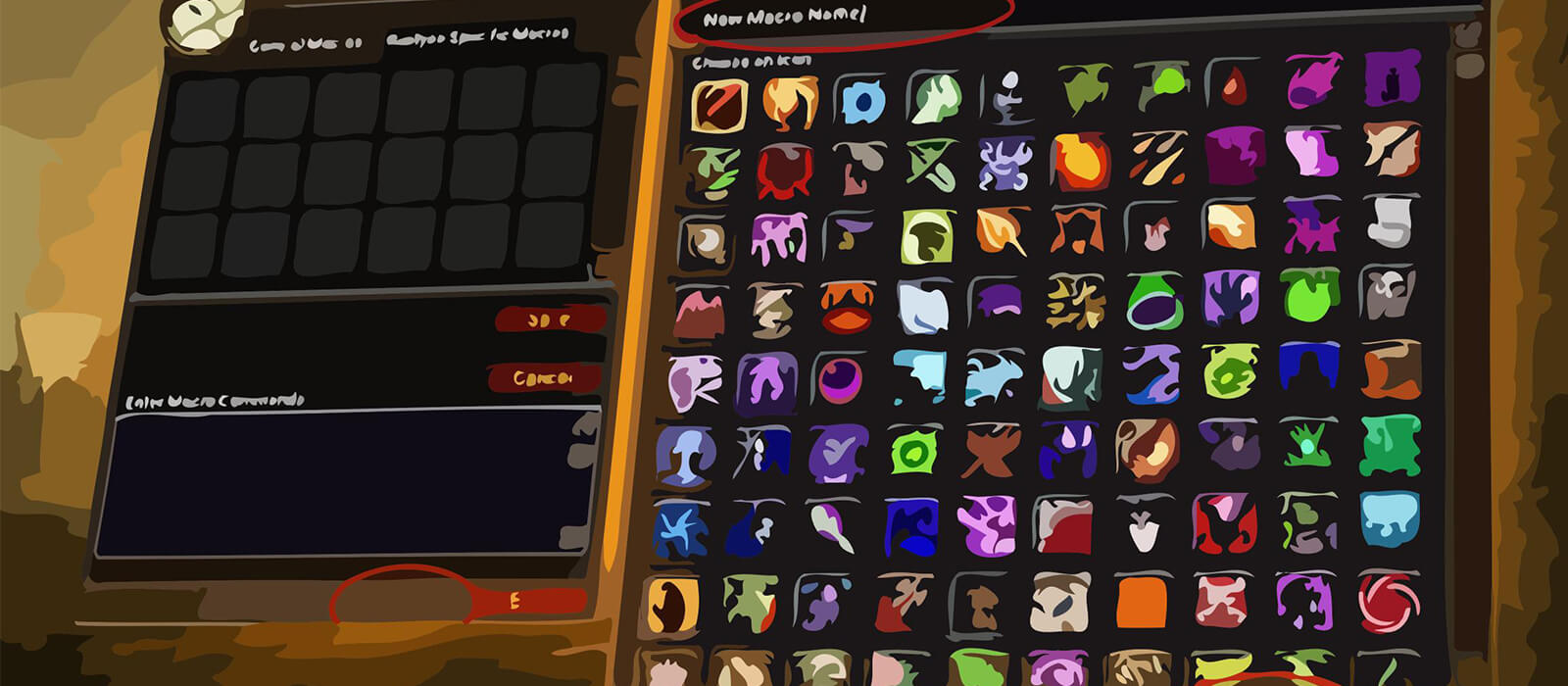
Open the in-game Macros window, create a macro and paste the code exactly as shown. Put it on an action bar and bind it to a comfortable key. The #showtooltip line displays the ability icon and helps confirm which spell the button will use.
Mouseover macros let you cast on a secondary enemy without dropping the boss target. Focus macros are useful for Fear, Banish and Spell Lock, while modifier macros keep related choices such as curses, armor and execute abilities on one button.
Destruction Warlock PvE macro tips
Immolate should be maintained before relying on Incinerate, and Chaos Bolt, Conflagrate and Shadowburn should be used according to their cooldowns and the target's health. The Incinerate or Shadowburn macro is convenient, but make sure the Shift modifier is not blocked by your keybinds.
Rain of Fire, Shadowfury and Seed of Corruption are useful for planned area situations, but cursor placement should be checked before pressing the button. The burst macro uses trinkets and the glove slot together, so keep a separate Chaos Bolt key if you need independent cooldown control.
Pet commands depend on the active demon and its range. Spell Lock and Devour Magic require a Felhunter, while Pet Attack and Pet Follow help prevent the Imp from standing idle or attacking the wrong target.
Compatibility and troubleshooting
These macros target the WotLK 3.3.5a macro system. Private-server clients can differ in protected actions, spell names and support for @cursor. If a macro does not work, test the spell by itself, verify the active pet, target range and modifier, then reload the UI after editing.
Macros cannot automate cooldown priority, movement, target selection or encounter mechanics. Their purpose is to make Destruction Warlock targeting and utility more consistent while the player controls timing and awareness.