These Arms Warrior PvE macros are built for WoW WotLK 3.3.5a and focus on interrupting, charging, ranged target control and cooldown access. They are especially useful when an Arms Warrior must keep the boss selected while reacting to a caster, moving to a secondary target or preparing cleave damage.
These Warrior Arms PVE macros are designed for WoW WotLK 3.3.5a and focus on practical targeting, utility and cooldown access rather than trying to automate a full rotation. Macros cannot make combat decisions for you, but they can remove extra target switching and make important abilities more consistent to use.
Pummel focus
Interrupts your focus target without changing your current target, making it useful for stopping a secondary caster.
#showtooltip Pummel
/cast [@focus,harm,nodead][] Pummel
Charge focus
Charges your focus target without changing your current target when the target is in Charge range and the stance requirement is met.
#showtooltip Charge
/cast [@focus,harm,nodead][] Charge
Heroic Throw mouseover
Throws Heroic Throw at a hostile mouseover target, falling back to your current hostile target for ranged pulling or utility.
#showtooltip Heroic Throw
/cast [@mouseover,harm,nodead][] Heroic Throw
Bladestorm
Casts Bladestorm on the current target and keeps the button dedicated to the major Arms area-damage cooldown.
#showtooltip Bladestorm
/cast Bladestorm
Sweeping Strikes
Activates Sweeping Strikes so your next eligible attacks can hit an additional nearby target.
#showtooltip Sweeping Strikes
/cast Sweeping Strikes
How to use them
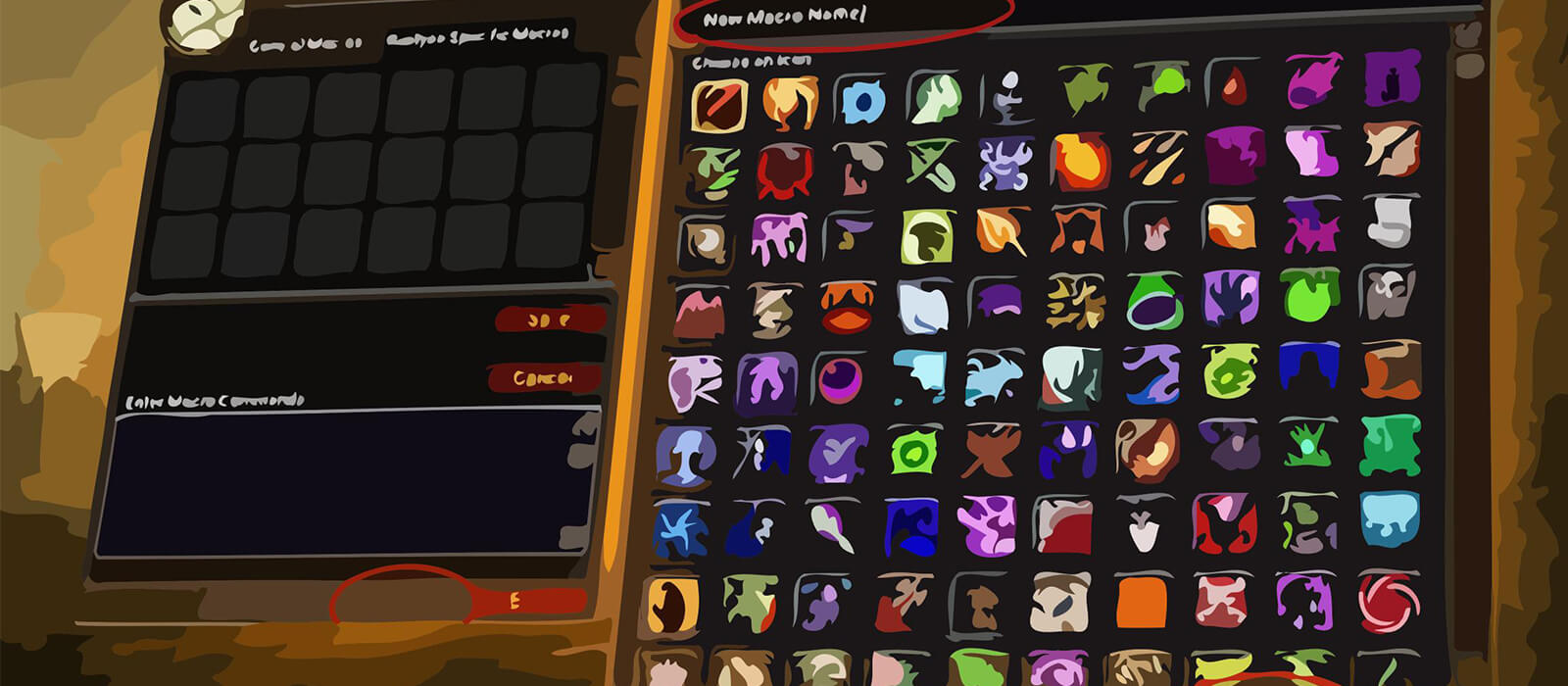
Create a new macro from the in-game Macros window, paste the text exactly, choose the question-mark icon, and place the macro on your action bar. For mouseover macros, hover the intended unit frame before pressing the key. Focus macros require a valid focus target; when the condition is written with [] as a fallback, the spell will use your normal target if the focus condition is not valid.
Do not combine every cooldown into one button automatically. Some abilities trigger the global cooldown, some do not, and encounter timing often matters more than saving a key press. Test each macro on a target dummy, friendly player, or easy dungeon before using it in progression. Spell names must match the language of your game client, and private-server scripting differences can affect edge cases.
A good macro setup should reduce targeting friction while keeping the decision itself in your hands. Bind emergency, interrupt and movement macros to keys you can reach without looking at the action bar.
Arms Warrior PvE macro tips
Pummel focus and Charge focus are designed for encounters where the boss should remain your current target. Set the focus to the caster or secondary enemy before combat, then use the macro when the interrupt or charge window appears. The spell still requires the correct range, stance and availability.
Heroic Throw mouseover is useful for pulling a distant enemy or tagging a priority target without losing the main target. Bladestorm and Sweeping Strikes should remain easy to reach, but their timing still depends on positioning, target count and the encounter's movement requirements.
These buttons simplify targeting; they do not automate stance changes, rage management or the Arms priority. Use them alongside manual control of Mortal Strike, Overpower, Execute, Rend and cooldown timing rather than treating them as a complete rotation.
Compatibility and troubleshooting
These macros target the WoW WotLK 3.3.5a macro system. Private-server clients can differ in focus behavior, stance restrictions and protected actions. If a macro fails, check the target range, stance, focus unit and cooldown, then test the underlying ability by itself and reload the UI after editing.
Focus and mouseover conditions only work when the intended unit is valid. Clear an outdated focus and set it again before an encounter if the previous target is no longer relevant.