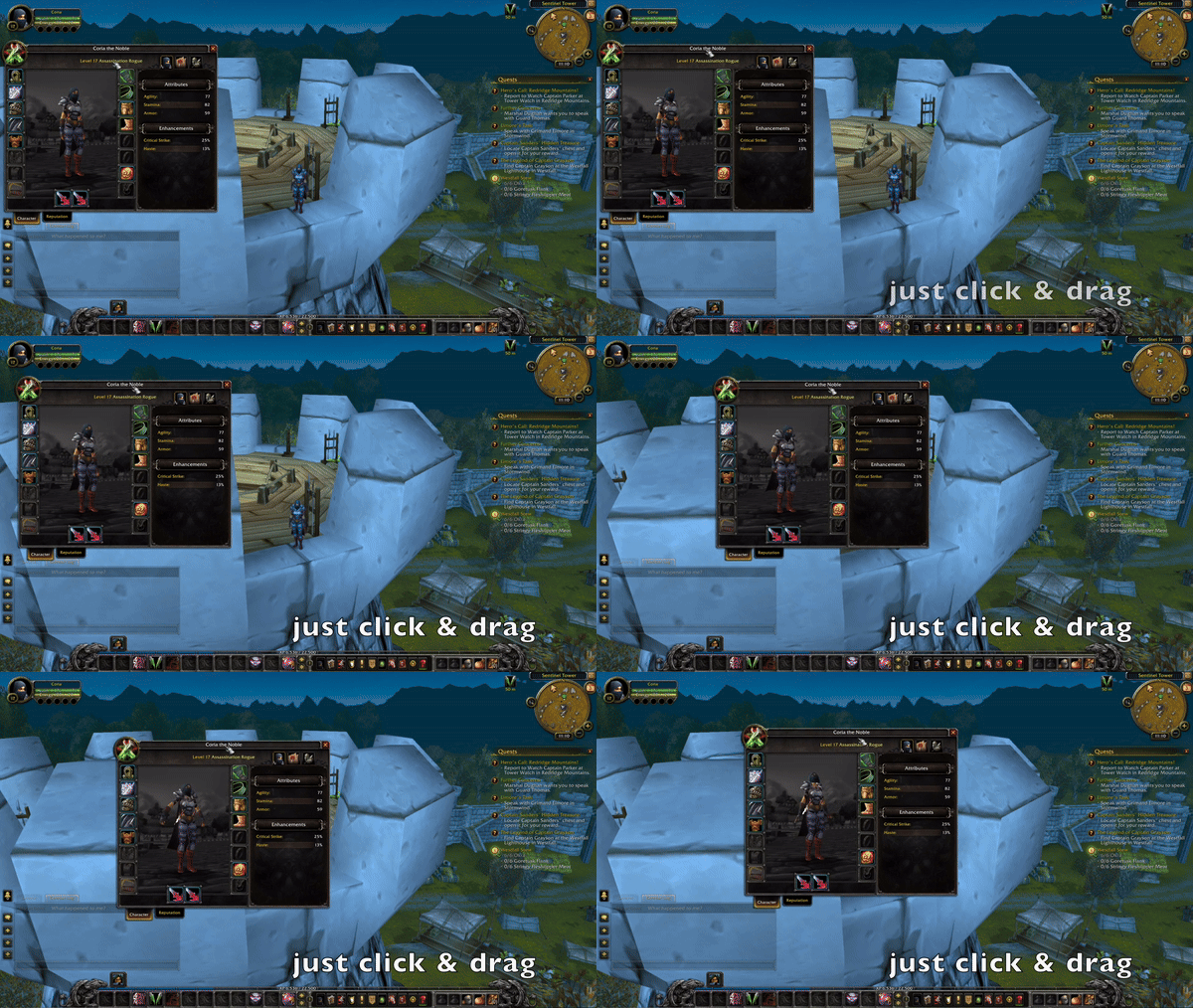
BlizzMove is a quality-of-life addon that makes many default Blizzard windows movable and scalable.
Main features
- drag default UI windows by their title.
- scale frames with modifier controls in supported builds.
- reset moved or scaled panels.
- detach some child frames depending on version.
How to use
Move one window at a time and test it at several UI scales. Keep the reset shortcut in mind if a frame ends up partly off-screen.
Moving Blizzard frames
BlizzMove makes selected Blizzard windows movable and stores their positions in BlizzMoveDB. Enable the frame in the addon options, drag it to the desired location and lock it after arranging the layout. Use this for frames such as the character, quest or other Blizzard panels that normally appear at a fixed anchor.
BlizzMove changes the frame position, not the underlying game function. A frame opened by a later-loaded module or a protected frame may not be movable, and a reset option is preferable to dragging a frame off-screen. Configure important frames outside combat because secure UI restrictions can prevent changes while a protected action is active.
Move one frame, lock it, reopen it and confirm that its anchor persists before arranging the next frame. Reset the individual frame if it disappears rather than changing unrelated UI settings.
MoveAnything and BlizzMove should not both control the same Blizzard frame. Use one mover, lock the frame, and reset the individual entry if a later UI update changes its anchor.
Some Blizzard windows are protected or recreated by the game, so a position can be valid for one session and reset after a UI change. The reset control is the addon-specific recovery path.