
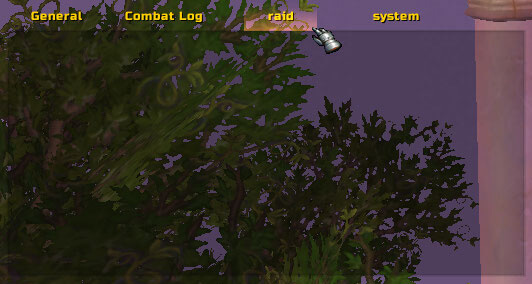
Chatter is a lightweight but highly configurable chat enhancement addon for WoW WotLK 3.3.5a. It improves the default chat window with additional customization, easier navigation, and several useful quality-of-life features.
Main features
Chatter can modify both the appearance and behavior of your chat frames. Useful features include:
- Custom fonts and font sizes
- Player names colored by class
- Player levels shown next to names
- Custom channel names and colors
- Timestamps
- Mousewheel chat scrolling
- Configurable sticky channels
- Chat frame background and border customization
- Copying chat text and URLs
- Keyword highlighting
- Chat fading controls
- Larger or smaller chat frames than the default UI
The addon also includes several optional modules, so you can enable only the features you actually need.
Useful commands
Chatter includes additional chat commands such as:
/tt
Sends a whisper to your current target.
/gr
Sends a message to your current group, automatically using party, raid, or battleground chat as appropriate.
Most other features are managed through the addon configuration.
Installation
- Download the Chatter archive.
- Close World of Warcraft.
- Extract the addon into World of Warcraft\Interface\AddOns.
- Start the game and enable Chatter from the AddOns menu.
After installation, open the addon options and disable modules you do not need. This makes it easy to keep the chat interface simple while still using features such as timestamps, class-colored names, URL copying, or mousewheel scrolling.
Chatter is a good choice for players who want more control over the standard WoW chat window without replacing the entire game interface.
Before you install
Keep a copy of your current addon folder and saved settings before replacing files. Confirm that the extracted folder is intended for the 3.3.5a client, enable it on the character-selection screen, and test the main feature outside important group content. If the interface behaves unexpectedly, disable unrelated addons temporarily and reload the UI.



