
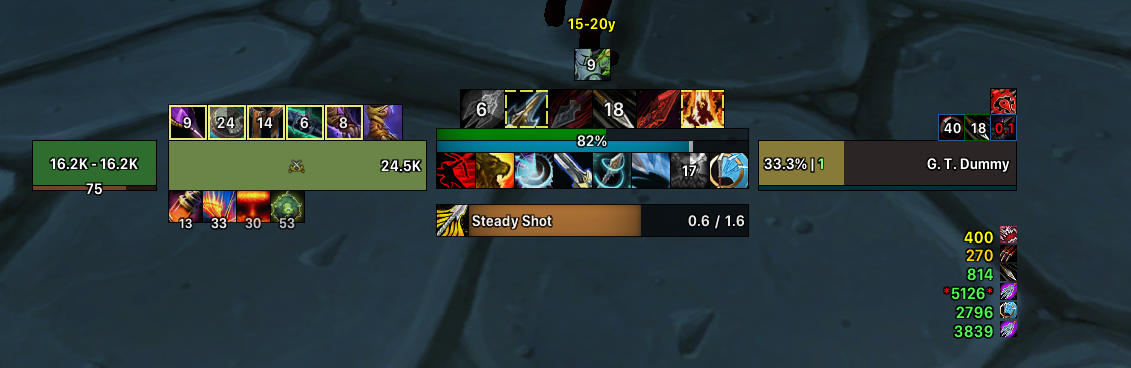
MerfinPlus is a shared-media package that adds custom fonts, textures, sounds, backgrounds and proc overlays for other addons and WeakAuras.
Main features
- LibSharedMedia fonts.
- status-bar textures.
- custom sounds and backgrounds.
- visual proc overlays used by some Merfin UI packages.
How to use
Install and enable MerfinPlus, then select its media from addons such as WeakAuras, Details or compatible UI packages. Some imported auras may expect these media files to be present.
Practical tip
Configure the addon around decisions you actually make during play. A small, readable setup is usually more useful than enabling every optional alert, panel or statistic. After changing settings, reload the UI if the build requires it and verify that the information remains visible at your normal resolution and UI scale.
What Merfin Plus supplies
Merfin Plus 1.0 is a media provider, not a complete user-interface replacement. Its Interface 30300 package depends on WeakAuras and inserts Merfin media into LibSharedMedia storage. The package declares LibStub and LibSharedMedia-3.0 as optional dependencies, so another addon that consumes LibSharedMedia must be installed if the new fonts, sounds or textures are to be selectable.
Install Merfin Plus beside WeakAuras and the media library, then open the options of an addon that has a font, status-bar texture or sound selector. Choose the Merfin entry from that selector and verify it on the actual frame. The addon does not create a new frame or automatically restyle every addon; it only registers assets for consumers that use the shared-media API. If no Merfin choice appears, check that LibSharedMedia is loaded and that the consuming addon supports the relevant media type.
Merfin Plus is therefore normally configured indirectly. The useful control is the media selector in WeakAuras or another LibSharedMedia consumer, not a Merfin combat window. If a media asset is selected in one profile but not another, check the consumer profile and library load order before reinstalling the package.



