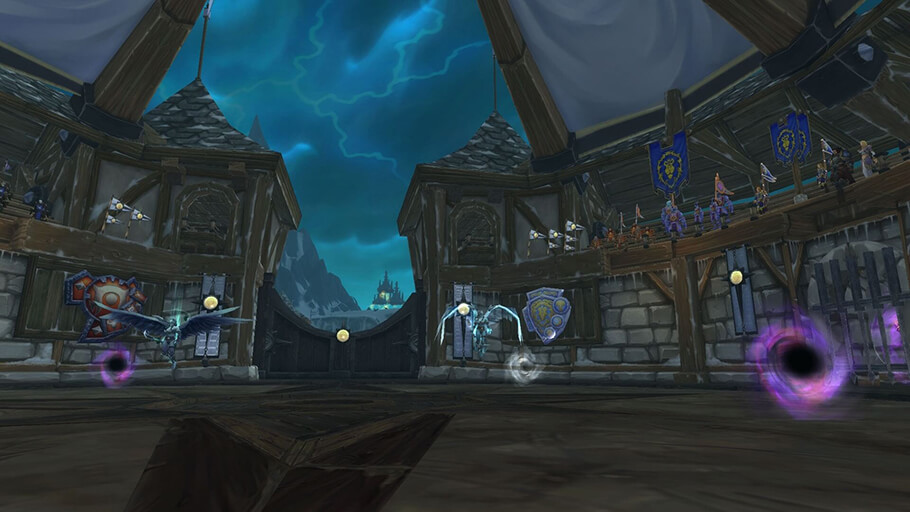
Plagued is a raid utility addon focused on tracking Plague-style encounter mechanics and making affected players easier to identify.
Main features
- mechanic tracking for supported encounters.
- clear player or timer information.
- raid-focused alerts intended to improve handoffs or reactions.
How to use
Enable it only for the encounters it supports and test the display before relying on it in progression. Follow raid strategy calls for the actual handoff or movement rules.
Unbound Plague timer
Plagued is a narrow encounter addon for the Heroic Lich King Unbound Plague mechanic. Its TOC notes that it puts a timer in /yell when the player receives Unbound Plague. Configure the alert before the encounter, then watch the timer and communicate the remaining time through the supported yell behavior.
This is not a general disease tracker. It depends on the spell and event identifiers used by the supplied WotLK encounter, so it should not be expected to work for an unrelated plague or a custom spell without matching data. The timer is an aid for the encounter mechanic; the player still has to follow the raid’s actual handoff and positioning plan.
Use the timer only for the Unbound Plague handoff plan. The /yell notice is communication from the addon, not a substitute for the raid leader’s positioning instruction, and the package does not track arbitrary diseases.
The addon’s narrow scope is a feature: it avoids pretending to be a general disease tracker. Configure the yell timer before Heroic Lich King and use it only with the raid’s agreed Unbound Plague handoff.