
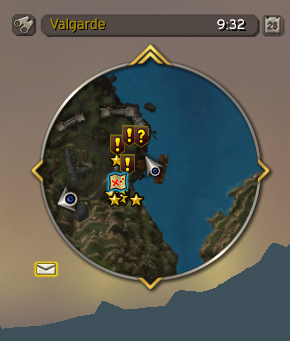
pMinimap is a lightweight minimap replacement for WoW WotLK that gives the default minimap a cleaner, more compact appearance while keeping the most useful information visible.
Its main purpose is to simplify the minimap without turning it into a large UI package.
Main features
pMinimap includes several useful improvements:
- Square minimap layout
- Mousewheel zooming
- Built-in clock
- Coordinate display
- Control over the visibility and position of minimap elements
- In-game configuration
The addon is useful for players who want a minimal UI but still need coordinates, zoom controls, and the standard minimap functionality.
How to configure pMinimap
To open the configuration menu, type:
/pminimap
or:
/pmm
From the configuration you can adjust the minimap appearance and choose which elements should be visible.
Mousewheel scrolling over the minimap can be used to zoom in and out, removing the need to use the default zoom buttons.
Installation
- Download the pMinimap archive.
- Close World of Warcraft.
- Extract the addon folder into World of Warcraft\Interface\AddOns.
- Start the game and make sure pMinimap is enabled in the AddOns menu.
If the minimap does not change after logging in, check that the addon is enabled and that the folder was extracted directly into the AddOns directory.
pMinimap is a good choice if you want a simple square minimap with coordinates and basic customization without installing a much larger interface addon.
Before you install
Keep a copy of your current addon folder and saved settings before replacing files. Confirm that the extracted folder is intended for the 3.3.5a client, enable it on the character-selection screen, and test the main feature outside important group content. If the interface behaves unexpectedly, disable unrelated addons temporarily and reload the UI.



