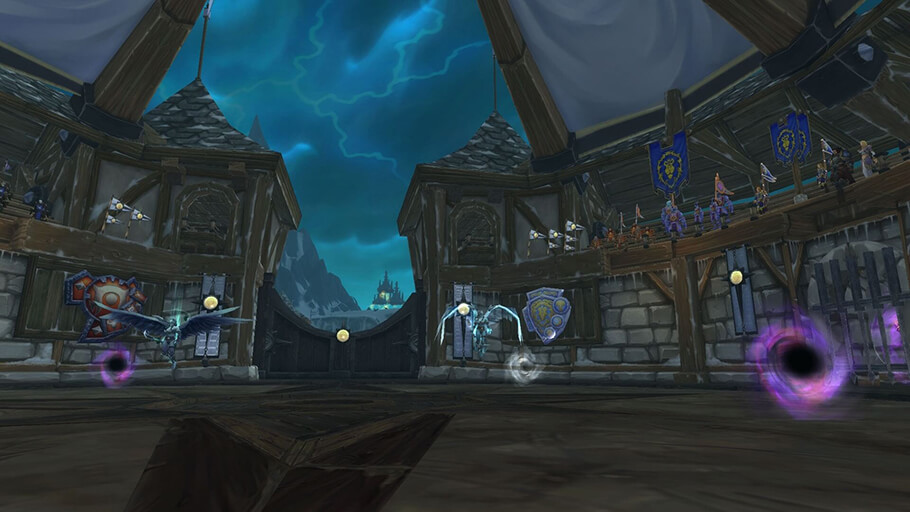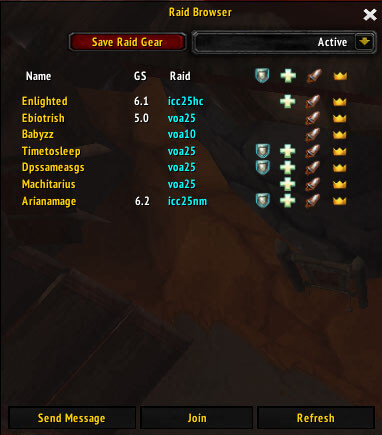
RaidBrowser is a 3.3.5a raid-finder style addon that parses raid recruitment messages from chat and presents them in a cleaner browser.
Main features
- uses the otherwise-unused WotLK raid browser area.
- scans recruitment messages from configured chat channels.
- lists raid leader, raid type, gear requirements and requested roles when detected.
- helps filter repetitive recruitment spam into structured entries.
How to use
Open the Raid Browser from the Social interface and let the addon collect recruitment messages. Always confirm the final requirements with the raid leader before joining.
Finding raids from chat
Raid Browser v1.3.0 parses raid-related chat text and places detected advertisements in a raid-browser/LFR-style frame. The Interface 30300 package stores the character’s raid sets and current set in per-character SavedVariables and lists GearScoreLite as an optional dependency. It is a chat parser, not a server matchmaking service.
Open the Raid Browser frame and choose the raid set you want to monitor. When a matching message is seen in the supported channel, the addon extracts the raid advertisement and displays it for review. Select an entry to contact or join through the normal game workflow; the addon cannot validate the leader, open a group slot or guarantee that the message is current. Adjust the selected raid set when moving between dungeon, raid and PvP recruitment. If no entries appear, check the monitored channel and the optional dependency rather than assuming the server has no advertisements.
The parser is intentionally limited to the chat text patterns known by this release. A leader who uses unusual abbreviations may not produce a row, and an old advertisement can remain useful-looking after the group has filled. Treat every displayed result as a lead and use the normal invite or whisper process to confirm it.
Raid Browser only organizes advertisements already visible in chat. It does not verify group quality, reserve loot, or create a server-side queue; confirm the details with the leader before joining.